
If you are searching for the best power supply for pc builds, you are probably trying to avoid one expensive mistake: buying a box that looks fine on day one and causes strange shutdowns two years later. I spent eight years troubleshooting Dell OptiPlex and PowerEdge failures, and the power supply was often treated as an afterthought. That is backwards. A dependable unit protects every other part in the computer.
The right choice depends on the processor, graphics card, expected upgrades, and the quality of the electrical design. You do not need a $300 supply for a family desktop, but you should not trust a $35 no-name unit with a gaming PC either. Build it once. Build it right.
Start with the computer you are actually building
If you are building a PC your kids will use for homework, web browsing, and Minecraft, a quality 500W or 550W supply is generally plenty. A desktop using integrated graphics can run comfortably on 400W to 500W. For a midrange gaming system with a graphics card such as an RTX 4060, RTX 4060 Ti, Radeon RX 7600, or similar model, I usually look at reputable 550W to 650W units.
A more demanding build changes the conversation. A system with an RTX 4070 Super or Radeon RX 7800 XT deserves a solid 750W supply, while a high-end card and a power-hungry processor can justify 850W. Those numbers are not a race to the biggest label. They leave sensible headroom for brief power spikes, additional storage, and aging without making you pay for capacity you will never use.
Look at the power requirements for the complete system, not just the graphics card. Add the processor, motherboard, drives, fans, USB devices, and a cushion of roughly 20% to 30%. Online calculators can help, but they are estimates. A calculator cannot tell a poor-quality unit from a well-built one.
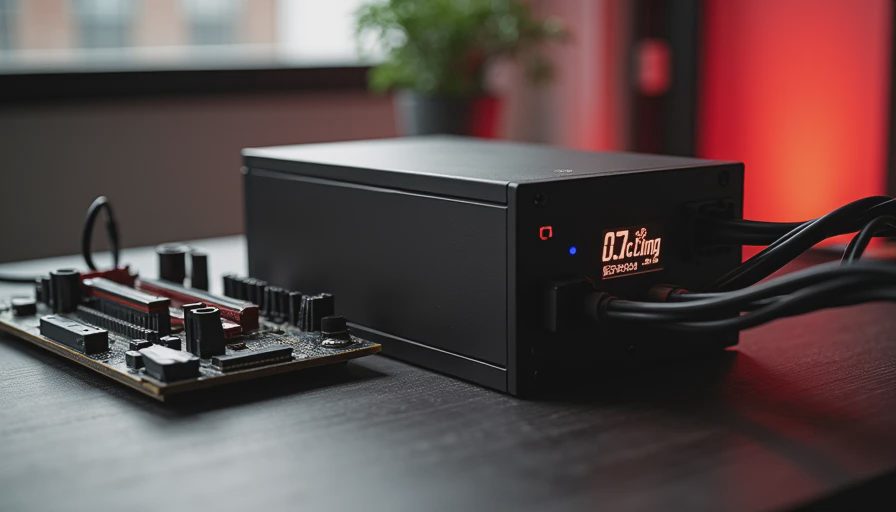
What makes the best power supply for pc hardware reliable?
The best power supply for pc use has protections that shut the unit down safely during an overvoltage, short circuit, overheating event, or excessive current draw. These features are not exciting, but they matter more than colored cables or a large fan. Look for documented OVP, OCP, SCP, OPP, and OTP protections. In plain English, those cover too much voltage, too much current, a short, too much total load, and too much heat.
Efficiency ratings also deserve context. An 80 PLUS Bronze model can be a reasonable choice for a budget desktop. Gold units are often the sweet spot for a gaming computer because they waste less power as heat without jumping into specialty pricing. Platinum and Titanium ratings can make sense for a machine that runs heavily every day, but the badge alone does not guarantee better internal parts.
The platform and warranty tell you more. A five-year warranty is a useful baseline; seven, ten, or twelve years from an established manufacturer shows greater confidence, though it does not turn a poor match into a good one. Check independent electrical testing when possible. Reviews from outlets such as Gamers Nexus, Tom's Hardware, and Cybenetics can reveal ripple, voltage regulation, fan behavior, and thermal performance that a retail box will not show.
Models I would put on a normal shortlist
For a family desktop or modest home office, the Corsair CX550 or CX650 and be quiet! System Power models are practical starting points when purchased from a normal retailer. They are not luxury components, but they are a better direction than an unknown brand with exaggerated wattage printed on the side.
For a midrange gaming build, I often compare the Corsair RM650e, Corsair RM750e, be quiet! Pure Power 12 M, and Seasonic Focus GX series. These lines commonly offer modular cabling, useful protections, and a warranty suited to a computer you plan to keep for years. Modular means unused cables can stay in the box, which improves cable management and airflow.
For a higher-end build, the Corsair RM850x, Seasonic Vertex GX, and be quiet! Straight Power 12 are worth investigating. If the graphics card uses a newer 12V-2x6 connection, choose a supply that includes the proper native cable rather than relying on a pile of adapters. Seat that connector fully; a half-inserted high-current plug is a preventable problem.
These are starting points, not permanent winners. Retail prices move constantly. A $110 Gold unit can be a smart purchase when a similar $150 model offers no meaningful advantage for your parts.
Avoid the wattage and bargain traps
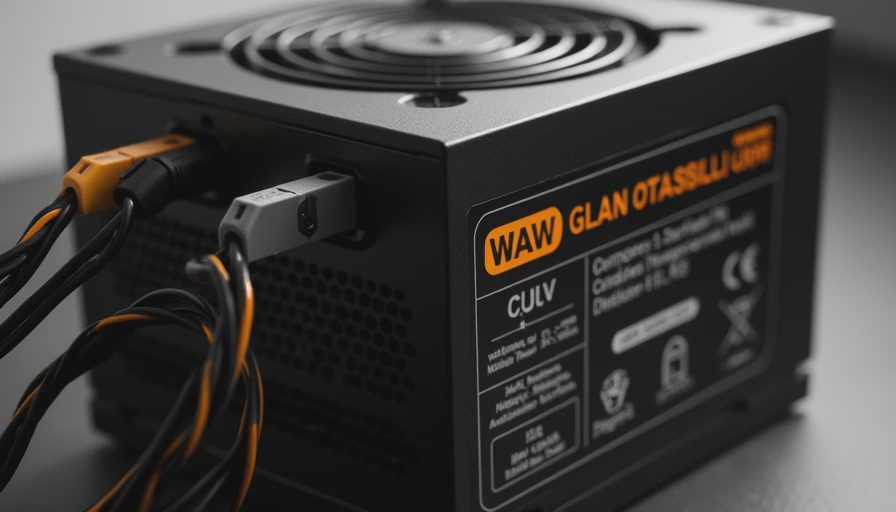
One common mistake is buying a 1,000W supply for a 450W system because the larger number feels safer. It is not automatically safer. Oversizing can increase cost, and an inexpensive high-wattage model may have worse electrical behavior than a well-reviewed 650W unit. Capacity matters, but construction matters first.
The other mistake is shopping by price alone. A $40 supply that fails can damage your schedule even if it does not damage another component. You could lose a weekend reinstalling Windows, replacing cables, and diagnosing random crashes. That is a poor trade for saving $40 or $60 during a build that already includes a processor, motherboard, memory, and storage.
Also check physical fit. Most desktop systems use the ATX standard, but small cases can require SFX or SFX-L supplies. Confirm the length before ordering, especially if the case has a front-mounted drive cage or limited cable space. Never reuse modular cables from an older power supply unless the manufacturer explicitly says they are compatible. The plugs can fit while the wiring differs.
A simple buying process before checkout
First, write down the exact processor and graphics card models. Second, estimate total system draw using a reputable calculator, then choose a quality unit with reasonable headroom. Third, confirm the form factor, cable connections, and length against the case manual. Fourth, check the warranty and independent testing rather than trusting only the efficiency sticker.
If you are comparing the best power supply for pc options around the same price, favor a recent platform, a native graphics-card cable, and a longer warranty. Do not pay extra for RGB unless the feature genuinely matters to you; it does nothing for voltage regulation. Buy from a retailer with a clear return policy, inspect the box for damage, and keep the receipt until the computer has completed several days of normal use.
For a $700 family computer, I would rather install a reputable 550W Gold model than a questionable 750W unit. For a $1,500 gaming build, I would usually spend around $100 to $180 on a quality 750W or 850W supply, depending on the graphics card and current sale prices. That is a small portion of the system budget for a part that feeds everything.
The long-view answer
The best power supply for pc builds is not the one with the largest number or flashiest label. It is the correctly sized, independently tested unit with modern connectors, complete protection features, and a warranty you can live with. Choose by use case: 500W to 650W for everyday and midrange systems, 750W for many serious gaming builds, and 850W when high-end components or future upgrades justify it.
I have repaired enough machines to know that reliability is usually cheaper than recovery. Spend a little more on the foundation, route the cables carefully, and leave room for sensible upgrades. Five years from now, you should remember the games, projects, and family photos on the computer—not the power supply that failed underneath them. Build it once. Build it right.