
If you want the best long term pc build, the trick is not chasing the fastest part in each category. It is buying the parts that still make sense when the machine is four years old, the kids are both logged in, and nobody has time for a troubleshooting session. After years of fixing Dell fleet failures, I learned that most computers do not die because the CPU was too slow. They die because heat, cheap power, and cramped cases wear the system down. For a family desktop, home office box, or first gaming rig, I want quiet reliability first and bragging rights last. Build it once. Build it right.
What makes the best long term pc build actually last
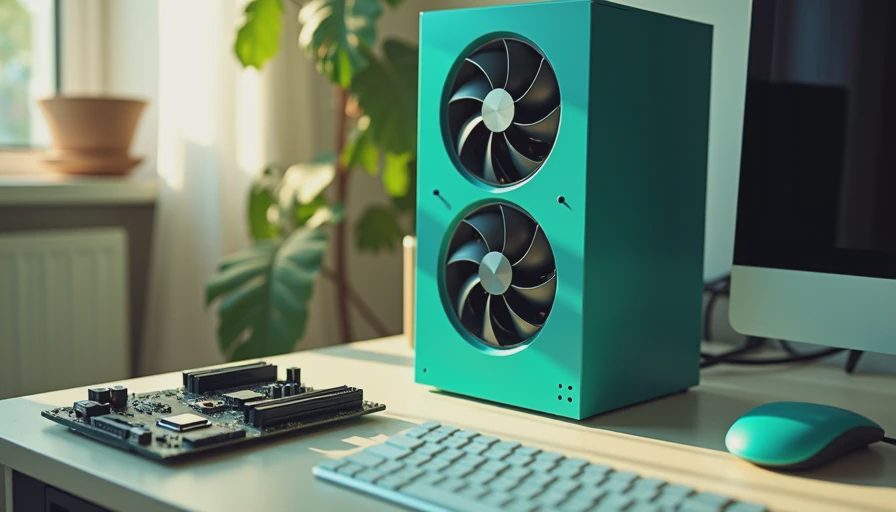
When I look for a machine that will survive five years, I start with the case and the power supply because those parts age slower than everything else. A mid-tower case with a mesh front, standard ATX support, and two decent fans gives you a better shot than a glass box with one tiny intake. A quality 80+ Gold unit from Corsair, Seasonic, or be quiet! in the 750W range is enough for most households and leaves room for a midrange graphics card later.
The motherboard matters too, but not because of badge chasing. I want at least two M.2 slots for plug-in NVMe SSDs, four RAM slots if the budget allows, and BIOS support that does not feel abandoned. If the family may add storage later, a better board is cheaper than replacing the whole platform. On the CPU side, a current 6-core or 8-core chip is usually the sweet spot. It is fast enough for school, office work, streaming, and normal gaming without wasting money on a flagship that will sit idle most days.
Parts I trust in the best long term pc build
Parts I trust in the best long term pc build are boring in the best way. For memory, 32GB is the number I like now because browsers, game launchers, and photo apps all got heavier while people were not looking. For storage, start with a 1TB NVMe SSD only if the budget is tight. If this machine will hold family photos, game installs, and work files, 2TB is the cleaner buy. Samsung, Crucial, Western Digital, and Solidigm all have solid consumer drives, and the speed difference between sensible models is not what makes or breaks the system.
Cooling is the next place to stay practical. A good tower air cooler from Noctua, Thermalright, DeepCool, or be quiet! is usually enough for a mainstream CPU, quieter than bargain fans, and less likely to turn into a maintenance project. I am not against liquid cooling, but for a long-life desktop, an air cooler gives you one less pump to worry about. I also like simple front-access dust filters, because the machine that gets cleaned twice a year lasts longer than the one that gets ignored until summer.
A realistic budget for a family desktop
If you are pricing this for a normal household, I would think in three bands. Around $900 to $1,100 gets you a solid productivity box with integrated graphics or a modest add-in card. Around $1,100 to $1,500 gets you the more balanced version I would build for a parent who works from home and a kid who games on weekends. Around $1,600 to $2,000 lets you move up to a stronger graphics card, extra storage, and a quieter case without drifting into luxury territory. That is where the value curve still makes sense.
For a $1,200 example, I would rather see money spent on 32GB of RAM, a 2TB SSD, and a quality 750W power supply than on a giant CPU that only looks impressive on a spec sheet. If gaming matters, a current midrange card in the $250 to $400 range is enough for 1080p or 1440p play without turning the build into a furnace. The point is not to win a forum argument. The point is to buy once and not think about it again every six months.
Where to spend extra money without wasting it
Where I spend extra money is usually on the parts that make the experience calm. A better case fan set can cut noise all day. A motherboard with a sensible rear USB layout makes the desk easier to live with. Wi-Fi and Bluetooth on board are worth paying for if the tower will sit across the room from the router or need wireless headphones. If the machine stores family photos, work documents, and school files, moving from 1TB to 2TB often feels smarter than stepping up the CPU one notch.
I also like to budget for a small uninterruptible power supply if the home office gets brownouts or frequent storms. A basic battery backup is not exciting, but it protects the work you have open and gives the PC a cleaner shutdown than a hard power loss. That matters more than most people realize. I have seen more real-world irritation from sudden outages than from slow processors. If the goal is stability, that little box on the floor earns its keep fast.
What to skip if you want fewer repairs
What do I skip? RGB-heavy cases, bargain-bin power supplies, and tiny enclosures that look cool in photos but cook the parts inside. I also skip the urge to overspend on the fastest CPU if the machine will spend its life in Chrome, Office, Zoom, and a handful of games. A strong 6-core or 8-core chip with good cooling is the safer long-haul play for most families. You do not need a monster if the workload is normal.
The other trap is the false economy of buying too little storage or too little memory. A cheap 500GB drive sounds fine until Windows updates, a few games, and family video clips crowd it out. A machine that feels cramped on day one feels old on day 900. Give it room to breathe, use parts from known retail lines, and keep the design simple. That is how you get a machine that lasts without paying for hobby-grade nonsense. If you want help choosing the exact parts for your budget, that is the kind of job I build in my garage every week. That is the best long term pc build I would recommend for a family desktop or home office. Build it once. Build it right.