
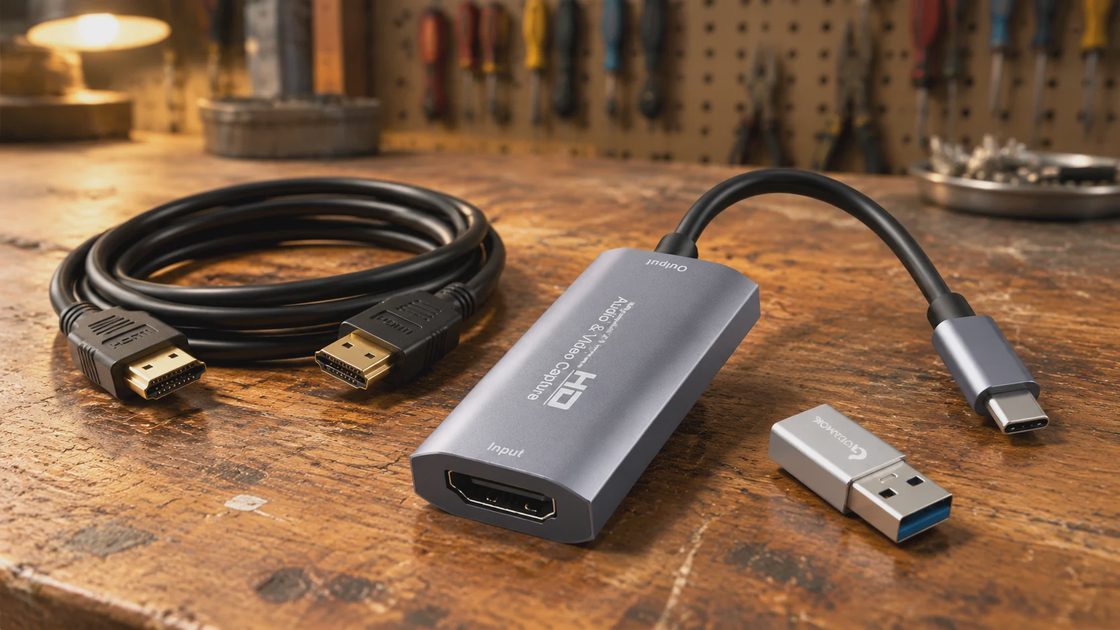
A $14.79 video capture card that's been on the market since 2021, holds a 4.4-star average across 3,245 ratings, and carries both an Amazon's Choice and Best Seller badge isn't a fluke — it's a genuinely well-built budget accessory with two honest limits: it won't hold rock-steady 60fps under heavy motion, and its "4K" spec describes input only, not output.
Why I Even Looked at a $15 Capture Card
My default answer to "can something this cheap actually be reliable" is usually no — I spent too many years watching enterprise hardware fail in ways a spec sheet never predicted. That's the whole reason Bench Notes exists as a section of this blog: I don't trust a price tag until I've seen it hold up. One of the real reviewers on this exact Guermok video capture card already owned an Elgato Cam Link 4K — the name-brand option most people assume is the safe choice — and described it as flaky, with a previous unit failing after a year. That's the same pattern I saw constantly at Dell: an expensive part isn't automatically the durable part, and a cheap part isn't automatically the disposable one. You have to look at the actual failure data, not the price tag.
The honest pain point people run into with any capture card, budget or premium, is the same one I hear from clients building a first streaming setup: it either doesn't get recognized by the recording software, drops frames under load, or the seller quietly means something different by "4K" than you assumed. That last one trips up more buyers than anything else, and I'll walk through exactly why further down.
What's Actually in the Box
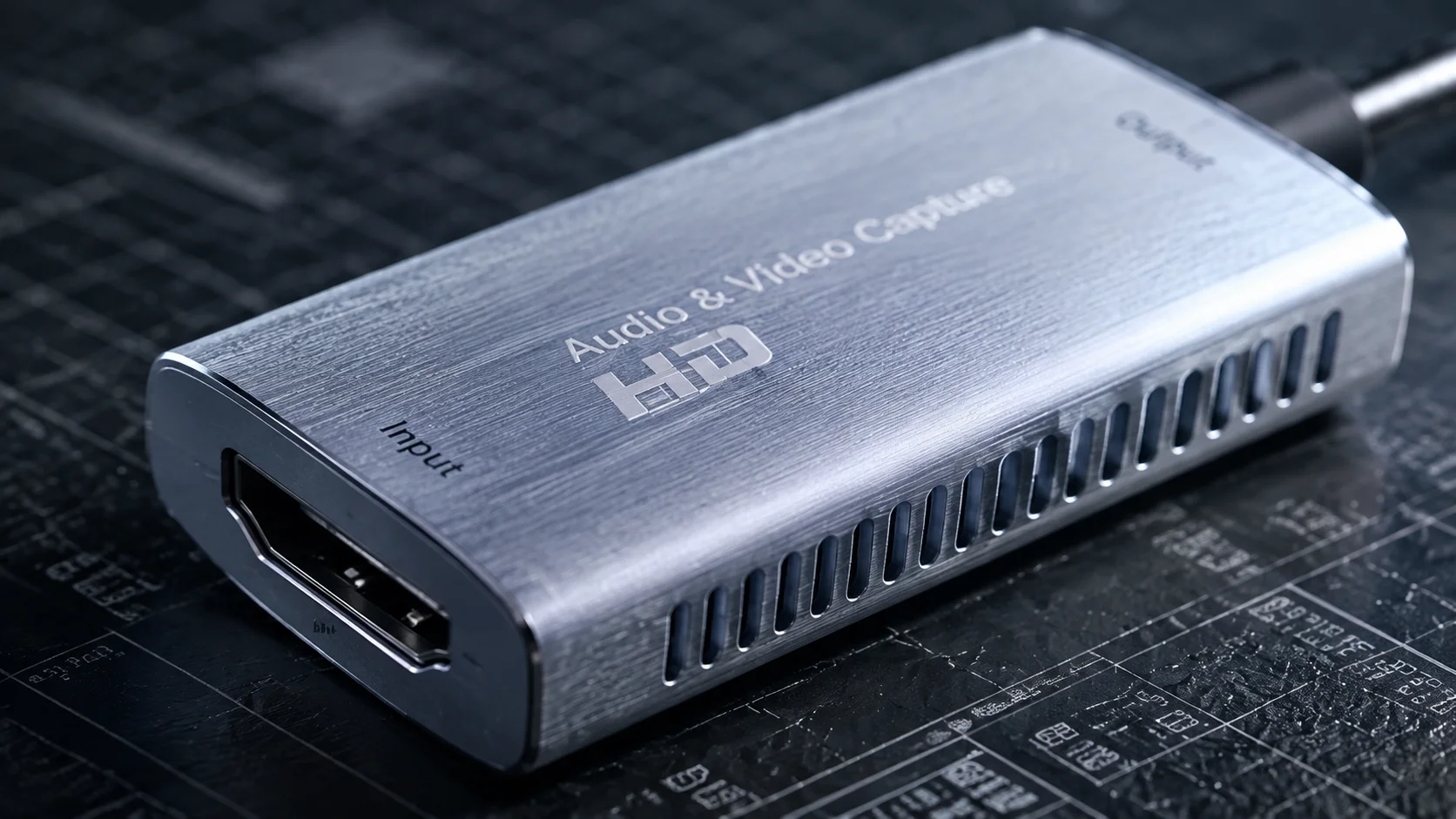
This is a Guermok-branded USB 3.0 capture card in a silver aluminum shell — the metal body isn't cosmetic, it's there for heat dissipation during longer capture sessions, which matters more than people think once a device is running for a multi-hour stream. It's the same reason I went looking for real data instead of assumptions in my own thermal paste shootout — cheap thermal management still has to actually work. It ships with a USB 3.0-to-USB-C adapter (3.0 on one side, 2.0 on the other) and a printed manual. No external power brick, no driver install — it's meant to be plugged in and recognized immediately by whatever capture software you're already running, most commonly OBS Studio.
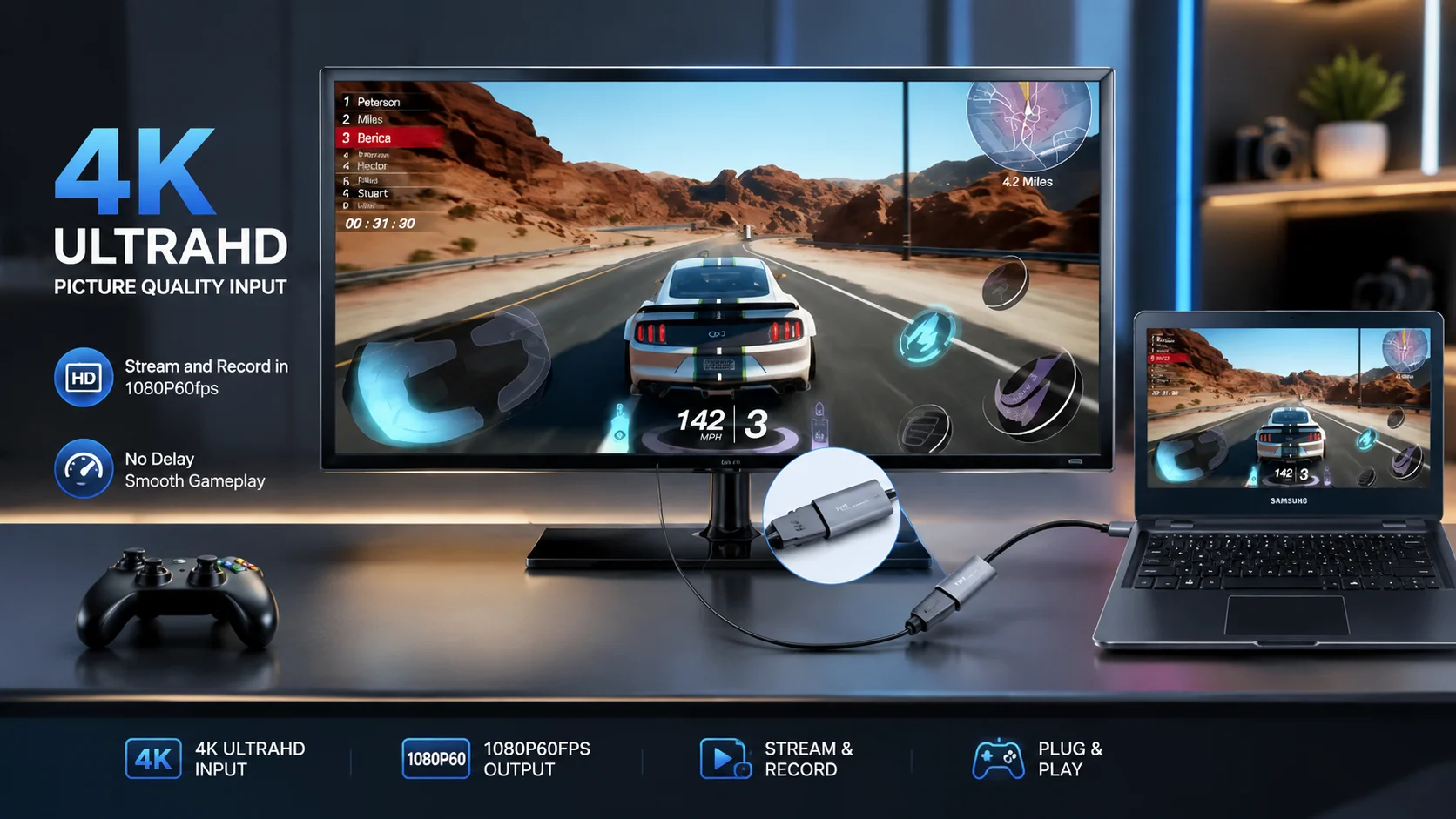
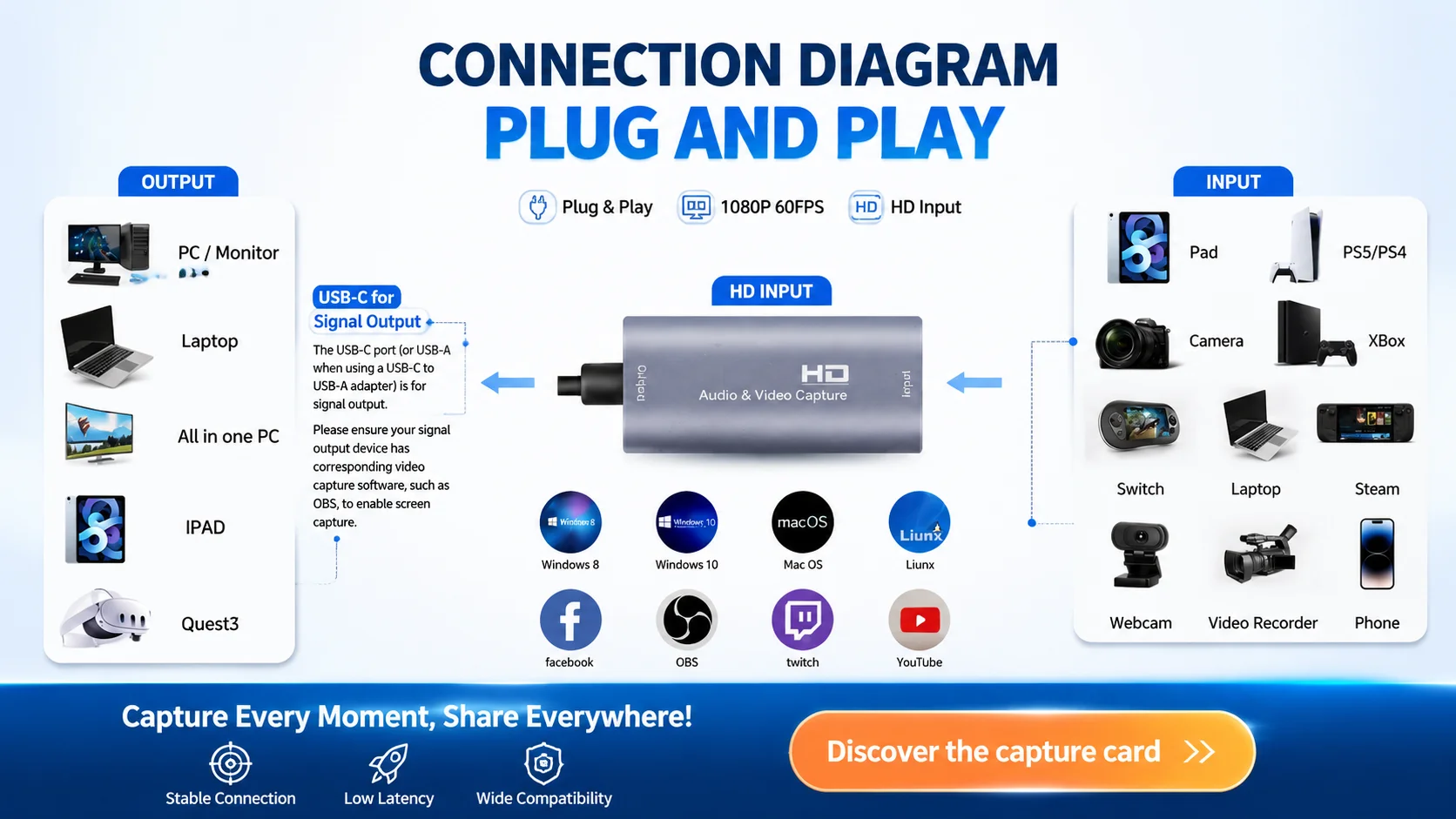
Input tops out at 4K@30Hz from whatever source you're feeding it — a console, a DSLR, a retro upscaler. Output over USB caps at 2K@30Hz or 1920×1080@60Hz, which is the actual number your recording software receives. It's a one-way device: HDMI in, USB-C out, and it's built for capture and recording, not for casting a signal back out to a monitor or TV.
|
🔌 Plug-and-Play No drivers, no external power — recognized by OBS and similar software immediately. |
🌡️ Aluminum Shell Metal body handles heat dissipation during longer capture and streaming sessions. |
|
🔀 USB-C and USB-A Includes a 3.0-to-USB-C adapter, so it works across older and newer laptops alike. |
🖥️ Broad Compatibility Windows, Mac OS, Linux, Xbox, PlayStation, Switch, DSLRs, and most capture software. |
|
Specifications |
|
Spec |
Detail |
|---|---|
Brand |
Guermok |
Interface |
USB 3.0 (USB-C adapter included) |
Input resolution |
Up to 4K@30Hz (HDMI in) |
Output resolution |
Up to 2K@30Hz or 1080p@60Hz (USB out) |
Transmission |
One-way: HDMI to USB-C only |
Build material |
Aluminum alloy shell |
Price |
$14.79 |
Package weight |
0.09 lb (40.8 g) |
Package size |
5.7 x 4.1 x 0.6 in (14.5 x 10.4 x 1.5 cm) |
Rating |
4.4 out of 5 (3,245 ratings) |
Recognition |
Amazon's Choice, Best Seller |
The One Spec Everyone Misreads
This is the part I'd flag for any client before they hit "buy," because it's the same kind of spec-sheet confusion I dealt with constantly translating Dell datasheets for non-engineers: the "4K" in this product's name describes what the card can accept as input, not what it sends to your computer as output. One reviewer laid this out clearly after comparing it directly against an Elgato Cam Link 4K — the USB side of the connection only puts out 1080p, full stop, regardless of what your camera or console is sending in at 4K. He was upfront that he hadn't read the listing closely enough at first, and after digging in, concluded the description wasn't deceptive — it's accurate, just easy to skim past.
That distinction matters because it sets the right expectation before money changes hands. If you need a capture device that outputs true 4K to your recording software, this isn't it, and no amount of wishful reading of the box copy changes that. If what you actually need is a reliable way to pull in a high-resolution source and record or stream it at a clean 1080p60 or 2K30, this hits exactly the spec it claims — output, not input, is the number that determines what your viewers see. It's the same "read the actual number, not the headline spec" habit I push in The Long View.
|
Worth a Closer Look See the full spec breakdown for yourself |
Where This Actually Gets Used
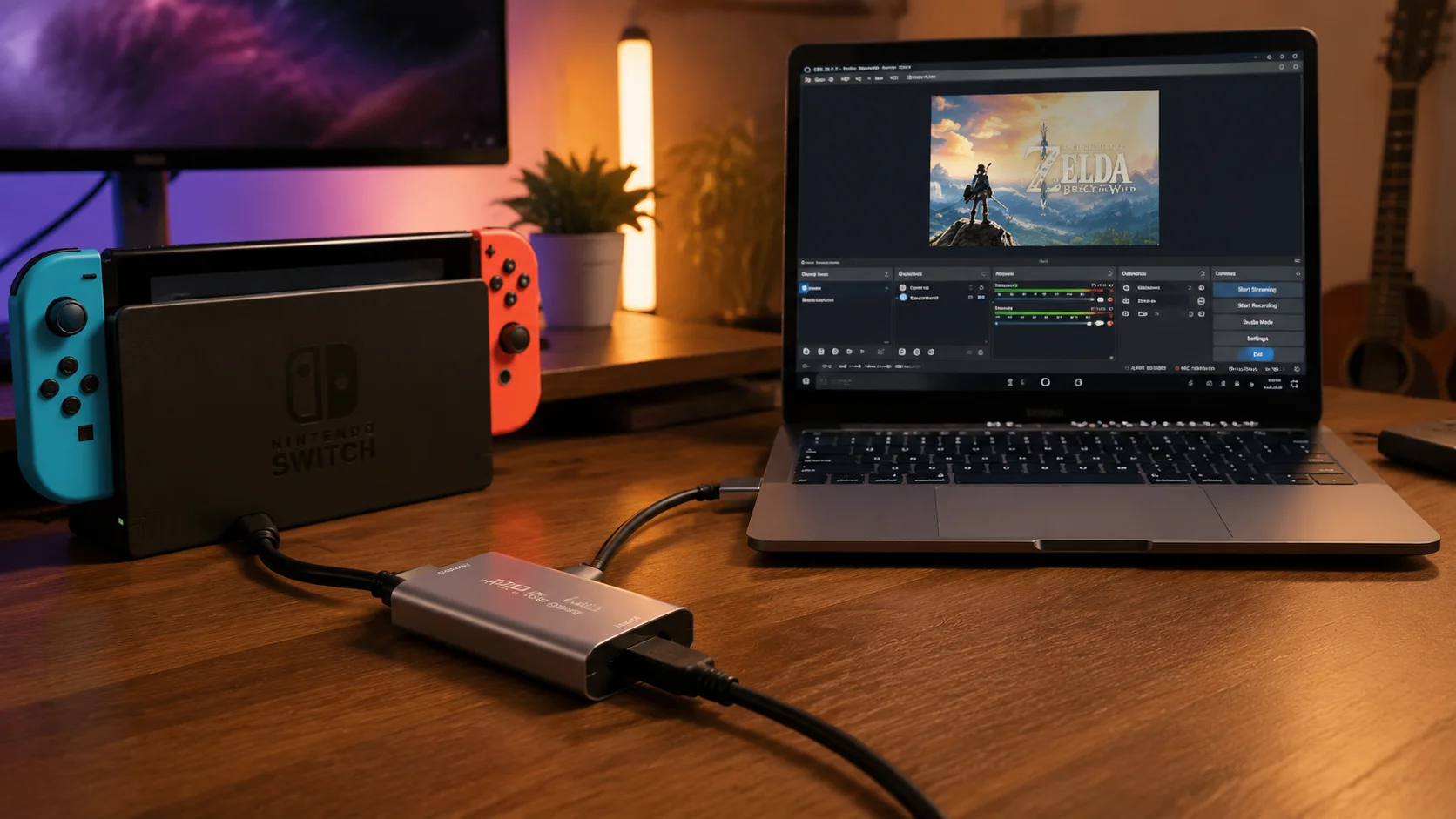
The most common real-world case in the review data is exactly the one I'd expect from a family PC audience: connecting a Nintendo Switch or Switch 2 to a laptop or iMac so a kid — or a dad who wants in on it — can stream to Twitch without buying a second monitor. It's the same territory I cover in what Leo's build taught me about a kid's first setup: the accessory doesn't need to be expensive, it needs to work the first time. One owner specifically called out that it worked cleanly with their Switch and Mac, with only a very slight input delay on one controller trigger, which is a minor enough quirk that it didn't stop them from recommending it as a starting point instead of a name-brand capture card that costs several times more.
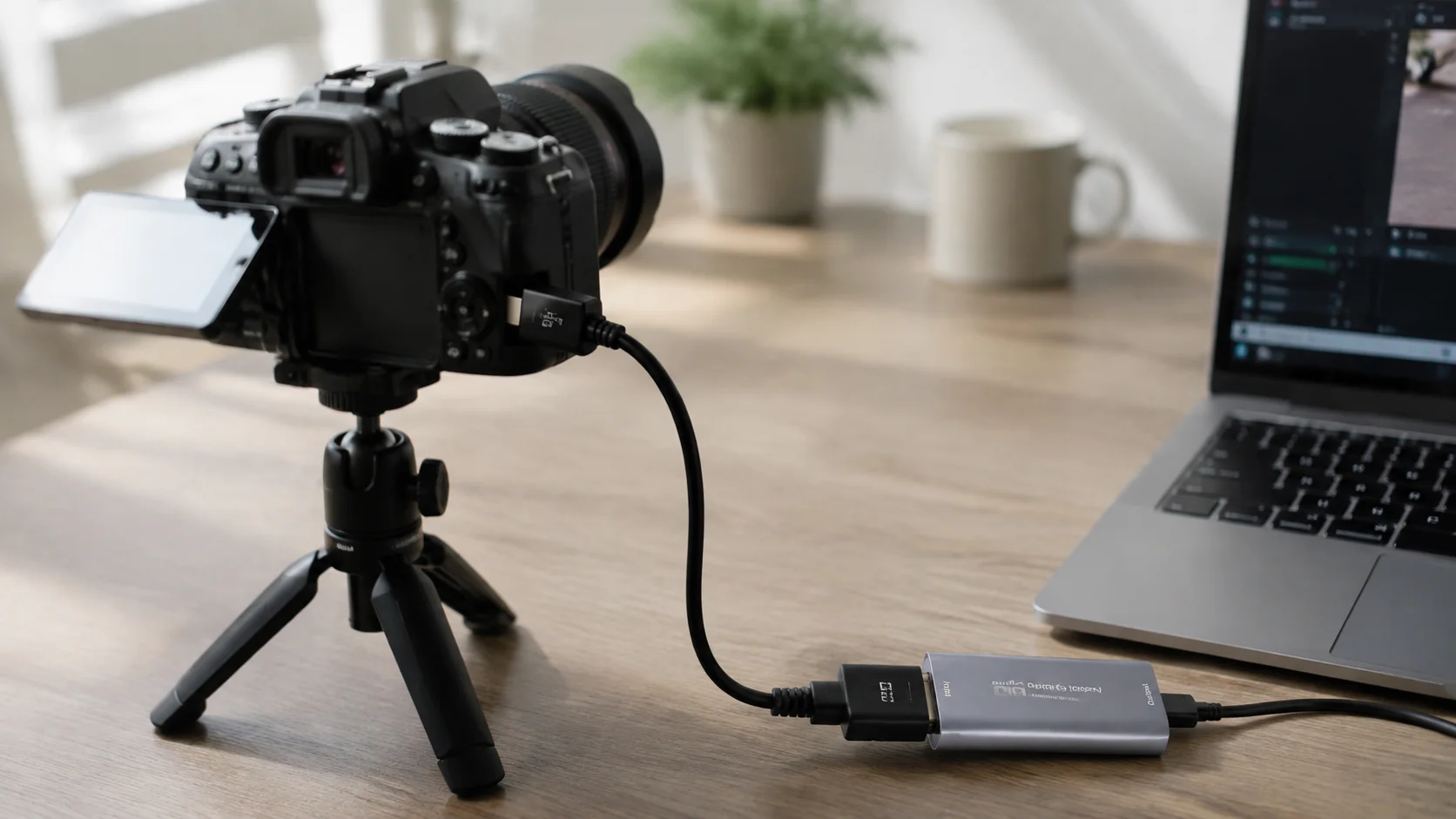
The second cluster of real use cases is retro and light gaming capture — one buyer runs it downstream of a Kaico OSSC upscaler to pull clean RGB video from arcade hardware, and another uses it for slower-paced titles like Animal Crossing or an N64 emulator, where frame-perfect timing isn't the point. A third use case shows up in a couple of reviews almost as an aside: using a DSLR or Canon camera as a webcam for video calls, which sidesteps the higher cost of a purpose-built webcam entirely.
Where it consistently struggles, by the reviewers' own account, is high-motion or competitive gameplay capture — one buyer was specific that they wouldn't recommend it for competitive titles or serious streaming, and another noted it doesn't hold a consistent 60Hz, dropping frames now and then even though it rarely falls below 30. If your use case is a family Switch session or a laid-back Let's Play, that's a non-issue. If it's frame-perfect fighting-game footage, it's the wrong tool, and I'd rather tell you that upfront than let you find out after the return window closes.
Where the Reliability Case Holds Up
I don't have a rival capture card in hand to run side by side, so — same as I did when I bought a prebuilt and a custom PC and ran them for a month — I'll stick to what the track record actually shows instead of a spec sheet. This listing has been live since July 2021 — over four and a half years — and has accumulated 3,245 ratings at a 4.4 average, plus both an Amazon's Choice tag and a Best Seller badge in its category. That's not a launch-week spike; that's a long tail of buyers still finding it worth rating years in. At $14.79, it's priced like an accessory, not an investment, which is exactly the kind of low-stakes purchase where "good enough and reliable" beats "impressive on paper."
I'll give you the same honest counterweight I'd give a client comparing power supplies: cheaper doesn't always mean worse, but it does mean you should read the actual limits instead of assuming parity with the expensive option. One buyer had OBS fail to recognize the card's audio properly and had to troubleshoot before a stream — a known enough issue that the manufacturer's own instructions mention restarting OBS after audio setup, and flipping the USB-C adapter to the other side if the device registers as USB 2.0 instead of 3.0. Neither is a dealbreaker, but neither is nothing, and I'd rather you know both of those exist before you're mid-stream troubleshooting them for the first time. If component-level reliability logic like this is useful to you, it's the same lens I bring to every component breakdown in Part Logic.
What Buyers Are Actually Saying
"Plug-and-play with no drivers needed. It worked right away with OBS. Handles 1080p at 60fps smoothly and supports higher input resolutions without issues. Build quality feels solid, the dual USB-C/USB-A flexibility is convenient, and latency is low enough for live streaming or recording gameplay."
— Danielle Christensen ★★★★★
"Works right out of the box with OBS. No drivers, no configuration needed... it doesn't work consistently at 60 Hz and drops frames now and then. I don't think it ever goes below 30. Given the extremely low cost and ease of use I can overlook the cons."
— Xbox Gamertag ★★★★★
"I've been testing out this Guermok Video Capture Card to integrate into my home setup, and it has been solid. It offers a true plug-and-play experience with OBS, and the 1080P/60FPS output is stable without noticeable latency. The build quality is decent for the price point."
— Jeff S. ★★★★★
"My MacBook Pro recognized it right away and within 2 minutes, I had it working with OBS. No drivers or extra software required... this has half the output resolution of the Cam Link 4K but is a lot less expensive and hopefully more reliable."
— Tom Wheeler ★★★★☆
"It works great and I am able to stream my game on Twitch no problem. It was compatible with my switch and Mac, and the only thing I noticed was a very slight delay when I used the left trigger... exactly what I expected for the price!"
— Neriya Radin ★★★★★
"It works tremendously well! No overpriced elgato capture card needed! This works awesomely if you need a canon camera setup to use as a webcam."
— Rene ★★★★★
Common Questions
Does this capture card actually output real 4K? |
No. It accepts up to 4K@30Hz as input from your source, but the USB output your recording software receives tops out at 2K@30Hz or 1920×1080@60Hz. To confirm what you're actually getting, check the resolution reported inside OBS or your capture software directly rather than trusting the source device's own output setting. |
Why does OBS sometimes not detect the card or its audio? |
Audio needs a full OBS restart after the initial setup, or it silently outputs no sound — this is called out directly in the manufacturer's own notes. If the card itself isn't detected, unplug and reconnect it, and confirm your OBS video capture source is set to the right device rather than a cached default from a previous session. |
Will this keep up with 60fps competitive or high-motion gaming? |
Not reliably. Multiple owners report it holds 1080p60 most of the time but drops toward 30fps intermittently under heavy motion, and it's not recommended for competitive titles where every frame matters. For slower-paced games, retro capture, or general Let's Play content, this isn't a practical issue. |
What do I need to stream a Nintendo Switch or Switch 2 with this? |
Dock the Switch, run HDMI from the dock into the capture card, then connect the card to your laptop or desktop via USB-C or the included USB-A adapter. Open OBS, add it as a video capture source, and you can stream directly to Twitch without a second monitor — this exact setup is confirmed working on both Mac and Windows. |
Can I use this to send a picture directly to a TV or monitor? |
No — this device supports one-way transmission only, HDMI in to USB-C out. It's built for capturing a signal into recording or streaming software, not for casting or displaying that signal on a separate screen. If you need direct screen mirroring, you'll want a dedicated HDMI splitter or switch instead. |
Does it need external power or driver installation? |
No external power supply and no drivers required on Windows, Mac, or Linux — it's designed to be recognized immediately on connection. If your system reads the adapter as USB 2.0 instead of 3.0, flip the capture card around and reconnect through the other side of the adapter, which resolves the misdetection in most cases. |
What's actually included in the box? |
One capture card, one USB 3.0-to-USB-C adapter (USB-A 3.0 on one side, USB-C 2.0 on the other), and a printed user manual. There's no HDMI cable included, so budget for one separately if you don't already have a spare on hand. |
Is the aluminum body just cosmetic, or does it matter? |
It matters more than it looks like it should. Video decoding generates real heat during longer sessions, and a metal shell dissipates that heat passively far better than plastic, which reduces the odds of thermal throttling or a dropped connection mid-stream — the same reason enterprise hardware leans on metal chassis over plastic ones. |
|
Bench Notes Take a closer look at the full listing |
Build it once, build it right doesn't only apply to $1,200 rigs — sometimes it applies to a $15 accessory that just needs to do exactly what it says, nothing more. This one does, as long as you read the output spec correctly first.