
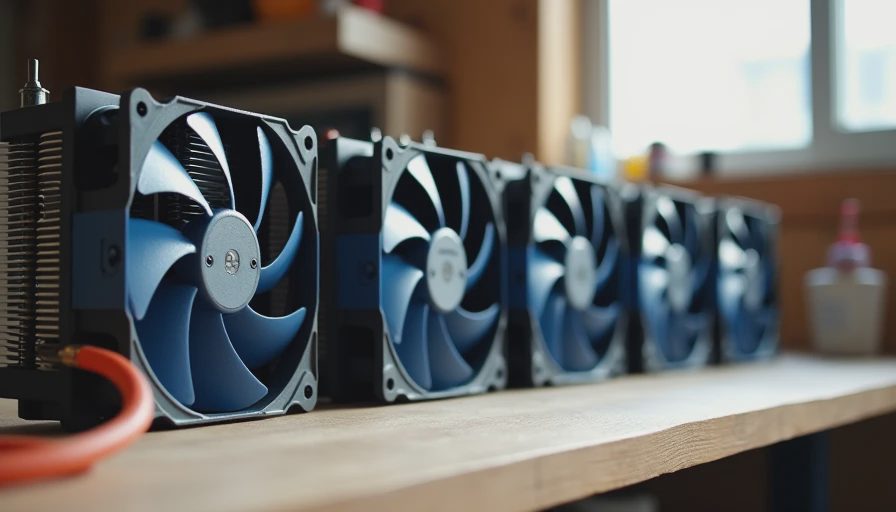
Why Lab Decibel Numbers Miss the Point
Most cooler reviews measure noise in a treated room with calibrated microphones and the system sitting on a test bench. Those numbers are useful for comparison. They are less useful when the computer lives in a spare bedroom, a living-room corner, or a home office that shares a wall with the kitchen.
I wanted to know how five common budget tower coolers actually sound in a normal house. Same CPU, same case, same fan curve logic, same room. No soundproofing, no special microphone stand—just the environment the machine would really occupy.
The goal was simple: which of these coolers disappear into the background during everyday work, and which ones become the loudest thing in the room once the load goes up.
The Test Conditions
All five coolers were installed on the same mid-range CPU inside the same mid-tower case with standard intake and exhaust fans. Ambient temperature sat between 75–78 °F. The room had normal background noise—a refrigerator in the next space, occasional outside traffic, the usual house sounds.
I listened and recorded impressions at three levels:
Idle / light desktop use
Typical work load (browser tabs, documents, video call)
Sustained multi-core load that simulates heavier tasks or light gaming
Fan curves were left on a realistic quiet-to-moderate profile rather than the most aggressive default. The question was not “how low can this cooler go in a perfect vacuum,” but “how does it behave when a normal person is sitting three feet away.”
What Actually Stood Out
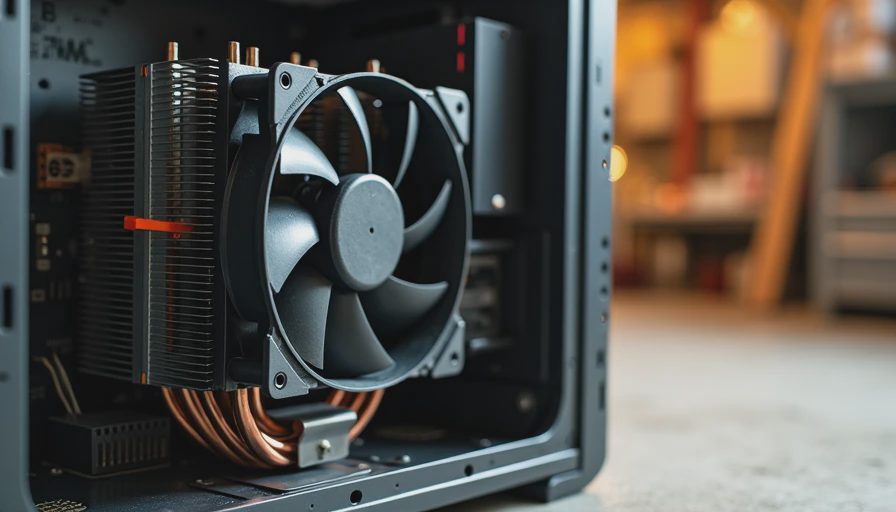
The differences were more about character and control than about absolute maximum cooling power.
Some coolers stayed nearly inaudible at idle and only became noticeable under heavier load. Others had fans that spun up earlier or produced a more irritating tone even at moderate speeds. A couple of units moved plenty of air but did it with a higher-pitched sound that cut through the room’s background noise more than a deeper, softer whoosh.
Under light desktop use the best performers were effectively silent from a normal seating distance. Under a video-call-plus-documents load the gap widened: the quieter designs remained easy to ignore, while the less refined ones became a constant low-level presence. Under sustained load every cooler was audible, yet the better ones stayed within the range of “acceptable for a shared space” while a couple crossed into “I want to turn that down.”
Temperatures stayed within safe and reasonable ranges on all five when the case airflow was decent. The practical ranking therefore came down to noise quality and how early the fans demanded attention.
The Real-Room Ranking Factors
After living with the results for several days, three things mattered most:
How early the fans ramp
Coolers that hold low RPM through normal office and homework loads feel dramatically more pleasant than those that start climbing as soon as a few browser tabs and a meeting open.
The quality of the sound
A smooth, lower-frequency airflow is easier to tune out than a higher-pitched or uneven tone at the same decibel level.
Consistency with case airflow
A cooler that works with the case’s natural intake and exhaust paths stays quieter than one that fights restricted front panels or poor internal layout.
Raw peak cooling performance on a stress test was less important for the workloads these coolers would actually see in a family or home-office machine.
Practical Takeaways for Buyers
If the computer will live in a shared space or a quiet office:
Prioritize coolers known for low-noise fan profiles and good low-RPM behavior.
Pair the cooler with a case that has straightforward airflow so the fans do not have to work harder than necessary.
Set a gentle fan curve after installation—the default curves on many coolers are more aggressive than most households need.
Remember that a mid-range cooler with excellent noise manners will feel better day-to-day than a higher-rated unit that is constantly audible.
Budget tower coolers have become very capable. The remaining differences that matter for real rooms are mostly about refinement and control, not about whether the CPU will survive.
What I Now Recommend from the Garage
For the majority of family desktops and quiet home-office builds I reach for coolers that stay calm under light-to-moderate loads and only raise their voice when the work actually requires it. The absolute coldest option on a 100 % stress test is less useful than the one that lets the machine disappear during a school Zoom call or an evening of homework.
Installation quality still matters. Even the best cooler in this group will sound worse if the mounting pressure is uneven or the case is choked with dust. Get the fundamentals right first, then choose the cooler that matches the noise tolerance of the room it will live in.
Final Listening Test
The most valuable measurement turned out to be the simplest: stand in the doorway and listen. If the computer is still quieter than the normal household background, the cooler is doing its job. If your attention keeps being pulled toward the case, keep looking.
Lab numbers are helpful. Living-room reality is the final judge.
Build it once. Build it right. And choose the cooler you will still be happy to sit next to when the novelty has worn off.