
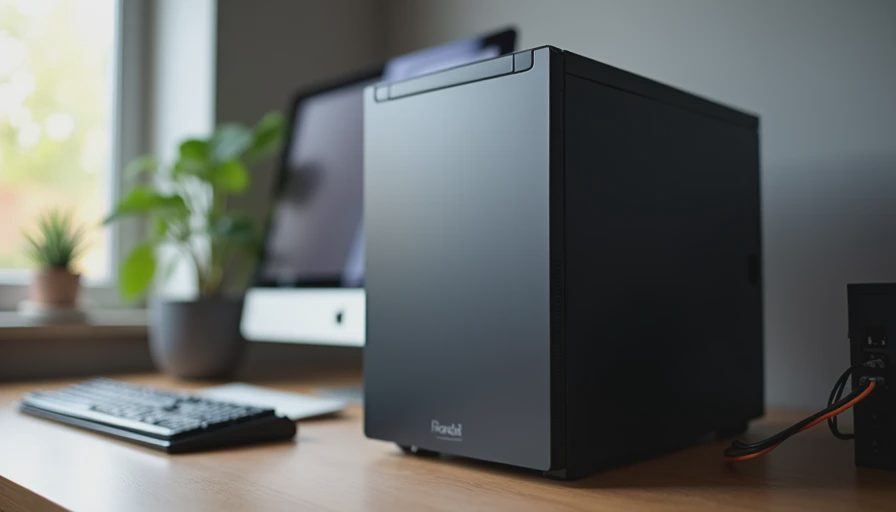
The Real Problem with Most “Office” PCs
Most people who set up a home office end up with one of two machines: a loud gaming leftover that sounds like a small aircraft, or a cheap prebuilt that throttles the moment three browser tabs and a Zoom call open at the same time. Neither is acceptable when the desk shares a wall with the kitchen or the kids’ homework table.
I learned this the hard way early on. Jenna made it very clear that any computer living in the same house as her grading sessions had better be quieter than the refrigerator. That single requirement changed how I choose every part for a home-office build. Noise is not a secondary feature. It is the feature that decides whether the machine is allowed to stay.
This guide is the build I now recommend to anyone who needs a reliable work machine that will not become a source of marital (or parental) tension.
Define the Job Before the Parts
A good home-office PC needs to do a short list of things well:
Stay nearly silent at normal work loads (documents, spreadsheets, browser research, video calls).
Handle light multitasking without thermal throttling.
Run cool enough that it does not heat the room.
Remain useful for five years or more with minimal fuss.
Cost less than a premium laptop while offering better ergonomics and upgrade room.
Anything that does not serve that list gets cut. RGB, maximum frame rates, and flagship silicon are distractions here.
The Quiet-First Parts List
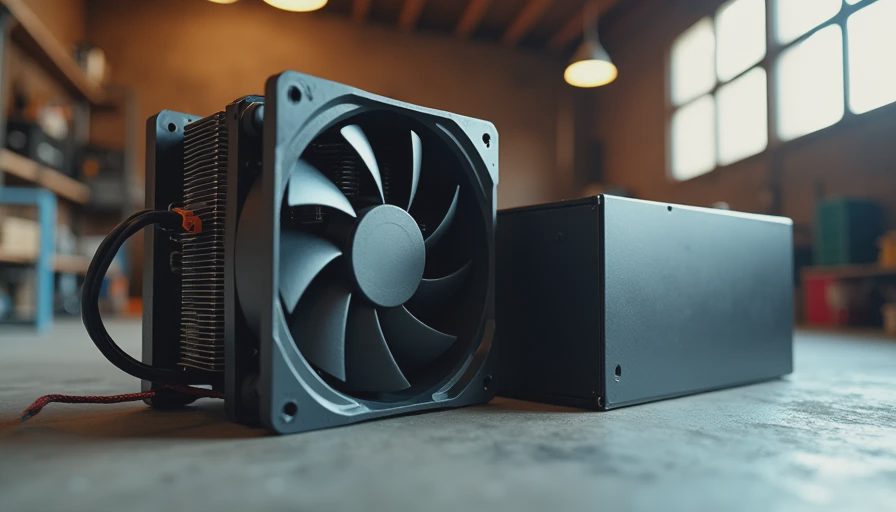
Case
Choose a mid-tower or compact mid-tower with good stock airflow and, ideally, a front dust filter that can be cleaned without tools. Avoid cases that rely on high-speed fans to stay cool. Look for models that move enough air at low RPM. The best office cases are often the boring ones.
Power Supply
A quality 550 W or 650 W unit from a trusted brand, preferably with a quiet fan curve or semi-passive mode. This is still the component I refuse to cheap out on. A noisy or failing PSU will ruin an otherwise silent build faster than almost anything else.
CPU and Cooler
A mid-range processor with modest power draw, paired with a capable tower air cooler that runs near silent at everyday loads. The goal is sustained performance without the fans ever becoming noticeable. Many excellent previous-generation chips still crush office workloads while running cooler and quieter than the newest flagship.
Motherboard
A straightforward board with solid VRM cooling and enough ports for monitors, webcam, and peripherals. You do not need Wi-Fi 7 or twenty RGB headers. You need reliable daily operation and decent future driver support.
Memory
32 GB dual-channel. Office work has become surprisingly memory-hungry once you factor in browser tabs, Slack or Teams, and a few background tools. Sixteen gigabytes is the bare minimum; thirty-two is the comfortable recommendation.
Storage
A 1 TB NVMe SSD. Fast, silent, and large enough that the drive will not become a constant management chore. Add a second drive later only if you truly need bulk storage.
Graphics
Integrated graphics are sufficient for most office work, dual monitors, and video calls. A low-profile or modest discrete card is only worth adding if you have a specific need (light photo work, occasional design software). Otherwise it is extra heat and extra noise for no daily benefit.
How Quiet Is Quiet Enough?
In my garage tests I aim for a machine that disappears into the background noise of a normal house. At idle and light work the fans should be inaudible from three feet away. Under a video call plus several documents the cooler may spin up slightly, but it should never become the loudest thing in the room.
I measure this the low-tech way: I stand in the doorway and listen. If I can still hear the kitchen refrigerator clearly over the PC, the build passes. That is the standard that keeps the peace at home.
Real-World Tuning Tips
Even good parts can become noisy if they are left on aggressive default fan curves. After assembly I always:
Set a gentle fan curve in the BIOS or with the board’s software so the fans stay low until temperatures actually require more airflow.
Make sure cables are tidy so they do not block exhaust paths.
Confirm the case filters are installed and easy to reach for monthly dust-outs.
Disable any unnecessary RGB software or startup programs that add background load.
These small steps often make a bigger difference in daily noise than swapping to a more expensive cooler.
What This Machine Feels Like Day to Day
A well-executed quiet office build should feel invisible. You sit down, the monitors wake, the work happens, and the computer never reminds you it is there. No coil whine, no fan surges during a call, no hot air blowing on your hands. At the end of the day you can leave it running for updates without hearing it from the next room.
I have put variations of this build in spare bedrooms, living-room corners, and actual home offices. The feedback is consistent: once the noise is gone, people stop thinking about the hardware and simply get their work done. That is the entire point.
Budget Reality Check
This configuration fits comfortably in the $700–$900 range depending on sales and exact models. Stretching for the newest CPU or a high-end case usually adds cost without improving the daily experience. The money is better spent on a better power supply, more RAM, or a cleaner case with easier maintenance.
If the budget is tighter, keep the quiet foundations (case, PSU, cooler, RAM) and accept a slightly older CPU. The machine will still feel fast for office work and will stay far more pleasant to live with than a louder “faster” alternative.
Final Garage Note
A home-office PC is not a gaming rig that happens to live on a desk. It is a tool that has to share space with real life. When you choose silence and thermal calm as the primary goals, the rest of the decisions become simpler and the finished machine becomes something the whole household can tolerate.
Build it once. Build it right. And make sure the loudest sound in the office is still the click of the keyboard.