
The Quiet Machines That Just Keep Working
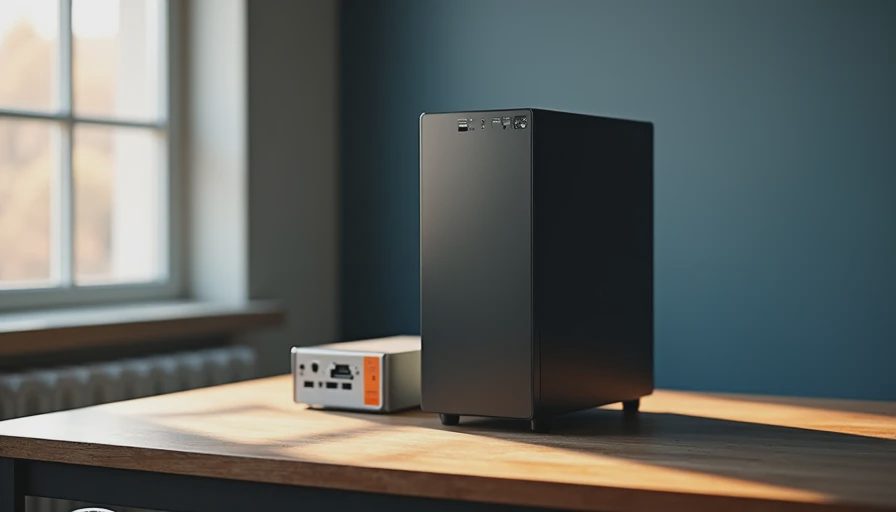
I used to get calls at 2 a.m. about servers that had been running so long the original admin had retired. Not because they were fancy. Because they were boring on purpose. An OptiPlex 9020 that was purchased in 2014 would still boot clean in 2021, open the same Excel files, and connect to the same network without drama. No one celebrated it. No one made a YouTube video about it. It simply did the job year after year.
That is the enterprise hardware secret almost nobody brings home: the machines that last the longest are the ones designed to be forgotten.
When I left Dell and started building PCs in my garage, the first thing I noticed was how differently people shop for computers once the corporate procurement rules disappear. Suddenly every decision is driven by the newest chip, the highest frame rate, or the loudest RGB. Then eighteen months later the same people are back on the forums asking why their “beast” is already thermal-throttling and the power supply is making that clicking sound.
The business world figured this out decades ago. Most of us never did.
Why Seven Years Is Normal Over There
In the enterprise world, a desktop or workstation is expected to survive at least one full hardware refresh cycle and still be useful during the next one. That usually means five to seven years of daily use with minimal intervention. The design decisions that make this possible are almost insultingly simple:
Power supplies are over-specified so they never run near their limit.
Cases prioritize airflow over looking like a spaceship.
Motherboards stick to chipsets with long driver support windows.
Cooling is chosen for silence and longevity, not for winning a decibel contest on a review site.
Storage is treated as a replaceable part, not a status symbol.
None of these choices make a great unboxing video. All of them make a machine that still works when the kids are in high school.
I have seen OptiPlex fleets roll past the six-year mark with hard-drive failures as the only real maintenance item. The rest of the system—CPU, board, PSU, chassis—just kept going. That is not magic. It is the result of refusing to optimize for the first thirty days of ownership.
What Actually Kills Home PCs Early
Most family machines die from the same three causes I used to see in the escalation queues:
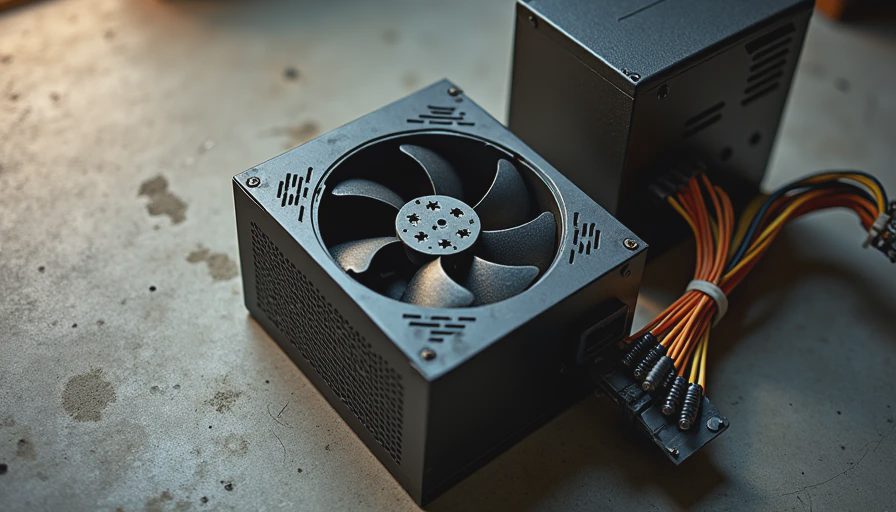
A power supply that was chosen because it was cheap or because it had a pretty cable set.
A case that looked cool but turned the inside into a toaster.
A “future-proof” parts list that forced every component to run hotter and harder than it needed to.
The irony is that the people buying these machines usually say they want something that will last. Then they follow a shopping list written by enthusiasts who upgrade every eighteen months. The two goals cancel each other out.
I still remember one client who brought me a three-year-old “high-end” gaming PC that would not post. The graphics card was fine. The CPU was fine. The power supply had simply given up after living at 80% load every evening. A $90 unit with better headroom would have prevented the whole repair. He had spent the money on the flashy parts and skimped on the one component that actually decides whether the machine lives or dies.
That pattern repeats more often than most people want to admit.
Translating the Enterprise Habit to the Garage
You do not need a corporate budget to steal the useful parts of this mindset. You just need to change the questions you ask when you build.
Instead of “What is the fastest CPU under $300?” ask “Will this still have driver support and decent efficiency in 2031?”
Instead of “Which case has the most tempered glass?” ask “Can I keep the internal temperatures under control with normal room airflow?”
Instead of “How many RGB zones does this cooler have?” ask “Will I still be happy hearing this fan at 11 p.m. in five years?”
Those questions sound less exciting. They produce machines that are far more pleasant to live with.
In my own garage builds I now start every family desktop with a power supply that has real headroom and a case that moves air without sounding like a leaf blower. The CPU and GPU are chosen for the actual workload—schoolwork, light gaming, video calls—not for the highest benchmark number that week. The result is a machine that stays quiet, stays cool, and still boots clean long after the original owner has forgotten the exact model number.
Leo’s first real PC was built this way. It is now three years old. It has never been opened for a thermal re-paste. It has never thrown a power-related error. It still handles homework and the occasional weekend game without complaint. That is the closest thing to an enterprise outcome I can give a twelve-year-old.
The Real Cost of Chasing New
Every time a new generation of parts drops, the internet acts like the previous generation suddenly became unusable. In the enterprise world that attitude would get you laughed out of the procurement meeting. A four-year-old CPU that still runs the required software is a success, not a failure.
I have watched people replace perfectly good machines because a review site said the new chip was 12% faster in a synthetic test. They spent the money, created more e-waste, and gained almost nothing in daily use. The old machine would have kept working. The new one will need the same care and the same eventual replacement cycle.
Reliability is not glamorous. It is the decision to stop optimizing for the first month of ownership and start optimizing for year five.
What This Means for Your Next Build
If you are about to buy or build a family desktop, a home-office machine, or a first PC for a kid, borrow the enterprise filter for a moment. Ask whether each part is being chosen because it solves a real problem you will still have in three years, or because it looks good in a comparison chart today.
You will probably end up with a quieter system, a cooler system, and a system that still feels current when the next big product launch tries to convince you otherwise.
That is the secret the business world never bothered to advertise: the best computers are the ones you eventually forget are even there.
Build it once. Build it right. Then go live your life instead of living inside a hardware upgrade cycle.