
If you want the honest answer to how long do pcs last, the short version is this: a well-built home desktop usually gives you five to eight good years, and sometimes longer if you keep the dust down and the power clean. A laptop usually runs shorter because its battery, hinges, and cooling system all work harder in a smaller space. I spent years inside Dell enterprise hardware support, and the pattern was always the same: the machine that was built with decent parts, kept cool, and not abused by cheap power usually stayed useful a lot longer than the one that looked fast on day one.
How long do pcs last in a family home?
For a family desktop used for schoolwork, email, streaming, photo storage, and the occasional game, five years is a fair baseline and seven years is not unusual. A tower with a decent power supply, an SSD, and enough memory does not suddenly turn into junk at year three. What usually happens is slower creep. Windows updates get heavier, browsers open more tabs, games ask for more graphics power, and the old hard drive or small SSD starts to feel cramped. That is not the same thing as failure. It just means the machine is moving from new to serviceable to dated.
A laptop has a rougher life because it gets moved, charged, closed, and carried around. The battery is a consumable part, not a forever part. After three to five years, many laptops still work fine plugged in, but the battery hold gets weak and the machine can start feeling warm and tired. For a kid's homework box or a home office machine, I tell people to think about usefulness first, not pride of ownership. If the PC still boots fast, stays cool, and runs the software you need, it is still paying its way.
What usually wears out first
Power supplies, fans, and storage are the usual first casualties. In a desktop, a good power supply can last a long time, but a bargain-bin unit can age badly and take other parts with it. That is why I would rather see a plain Seasonic, Corsair RM series, or be quiet! unit in a family build than a flashy case with a no-name supply. The case does not keep the lights on. The PSU does. Fans also wear out sooner than most people expect, especially if the machine sits on carpet or pulls in pet hair. A noisy fan is cheap to fix. A fried board is not.
SSDs usually last longer than people fear, but they are not magic. They can fail, and they can also fill up and slow down when they are packed to the edge. Mechanical hard drives fail in a more dramatic way, with clicking, stalling, or a drive that just disappears. I have seen enterprise systems stay alive for years because the owner replaced a failing drive before it became a full outage. The same logic works at home. If a drive starts throwing errors, copy your files first and ask questions later.
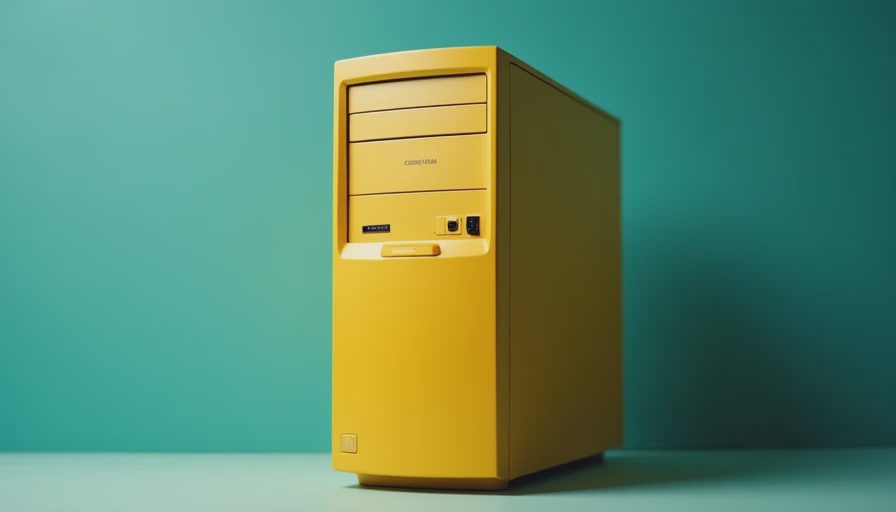
Signs your PC is aging out instead of just needing a tune-up
A slow PC is not always a dead PC. Sometimes it just needs a clean install, more RAM, or a better SSD. But there is a point where the symptoms line up and the machine is telling you it is done earning its keep. If boot times stretch from seconds to minutes, if the fans roar at idle, if random restarts happen under light use, or if opening a browser feels like a chore, the machine is aging out. When a desktop starts failing to wake from sleep or freezes during simple updates, I stop blaming software first and start looking at hardware health.
Thermal problems show up a lot in older boxes. Dust clogs heat sinks, old thermal paste dries out, and the processor starts running hotter than it should. When that happens, the system slows itself down to protect the parts. That feels like a weak computer, but it is really a hot computer. In my garage, I have revived more than one older OptiPlex and a few home-built towers with nothing more than compressed air, a new fan, and a fresh coat of thermal paste. If the motherboard is still solid, that is money well spent.
There is also the software side. If a PC cannot run the current version of Windows, or it can run it but crawls every time you ask it to multitask, the age problem is now part hardware and part economics. You can keep a machine alive a long time, but you should not keep paying for frustration.
How to stretch the life of the next one
The easiest way to get more years out of a PC is to buy the boring parts right the first time. Spend on the power supply, the SSD, and enough memory. For a family desktop in 2025, 16 GB of RAM is the sweet spot for most people, and 32 GB is nice if the machine will juggle games, school projects, and heavy browser use. A 1 TB SSD is a practical floor because 256 GB and even 512 GB fill up fast once photos, game launchers, and videos pile in.
Cooling matters too. A decent mid-tower with a couple of quiet fans will usually age better than a tiny case stuffed with hot parts. Keep it off the carpet, blow out the dust once or twice a year, and do not block the vents behind a desk. If the room is warm, the PC is warm. That is not a mystery. A simple UPS from APC or CyberPower can also help by smoothing out flaky power and giving the machine a clean shutdown during an outage.

When repair beats replacement, and when it does not
I like fixing good machines, but I do not like throwing money at bad ones. If you are staring at a repair bill that is close to half the cost of a new desktop, replacement usually wins. A failed fan or storage drive is a repair. A dead motherboard plus an aging processor plus a weak power supply is a parts pile. That is where the math changes fast.
If the PC still meets your needs after a simple upgrade, keep it. A bigger SSD, more RAM, or a new power supply can buy several more years for well under the cost of a whole new system. If the machine is still on an older hard drive, swapping to a SATA or NVMe SSD is often the best value in the whole box. I have seen a $60 to $120 storage upgrade make an old desktop feel new enough for schoolwork and office use. On the other hand, if the machine cannot run the software you actually need, or the repairs keep stacking up every few months, it is time to stop feeding it.
That is the practical answer to how long do pcs last: long enough if you build with sane parts, shorter if you gamble on the cheap stuff, and longest when you treat maintenance as part of ownership. If you want a family PC that should still boot cleanly years from now, that is the job I care about. Build it once. Build it right.