
The Real Goal of a Family Desktop
Most family computer shopping starts with the wrong question: “What is the best PC I can buy for around $800?” The better question is “What machine will still be pleasant to use when my kid is in eighth grade?”
That second question changes everything. It moves the focus away from the highest benchmark scores and toward parts that stay quiet, stay cool, and do not need constant attention. After building dozens of machines for local families, I have learned that an $800 budget is more than enough for a desktop that handles homework, video calls, light creative work, and the occasional game—provided you refuse to spend money on things that look good in a review and then become liabilities two years later.
This build is the one I would put in my own living room for Leo and Cole if I were starting from zero today.
The Use Case That Actually Matters
Before any parts list, define the job:
Daily schoolwork, Google Docs, research tabs, Zoom or Google Meet.
Occasional photo editing or simple video projects for school.
Light gaming (Minecraft, Roblox, older or well-optimized titles) without needing ultra settings.
Shared use by kids and parents, so noise and heat matter.
Expected life of five to six years with minimal maintenance.
Anything that does not serve that list gets cut. That is how you keep the budget honest and the machine reliable.
The Parts That Make the Difference
Case and Airflow
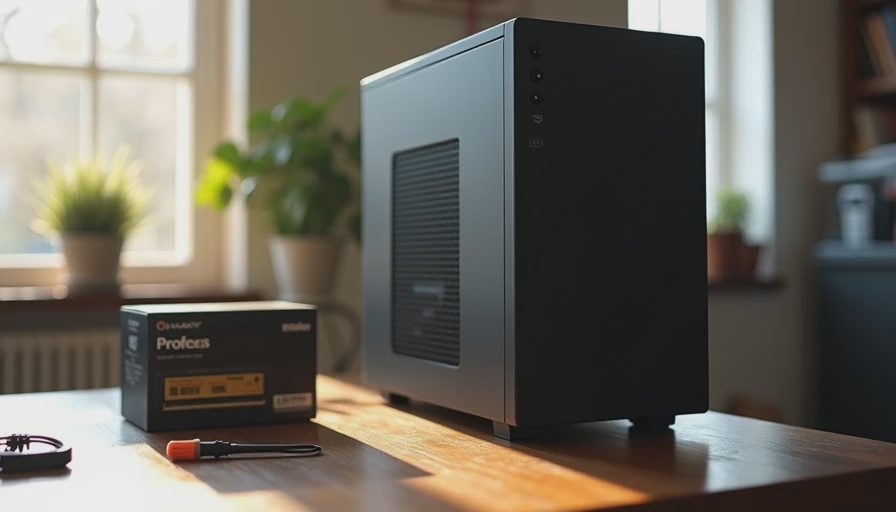
A simple mid-tower with decent front intake and a cleanable dust filter. No tempered-glass showpiece. The goal is quiet airflow and easy cleaning, not Instagram photos. Good examples in this price range move air without sounding like a hair dryer.
Power Supply
A quality 550 W or 650 W unit from a reputable tier. This is the one place I refuse to cheap out. A solid power supply is the difference between a machine that dies in year three and one that keeps working. Look for real continuous ratings and decent efficiency, not just a high wattage number on the box.
Motherboard and CPU
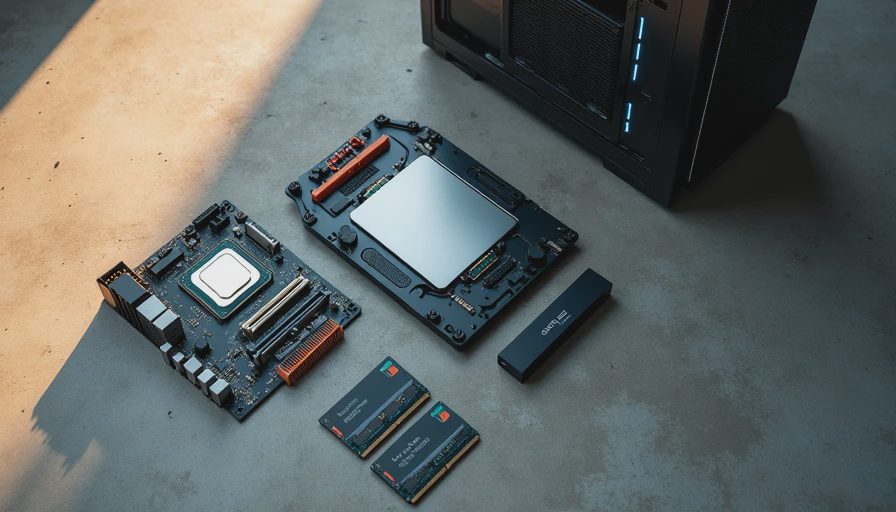
A current or previous-generation mid-range processor paired with a straightforward B-series or equivalent board. You do not need the flagship chip or the board with every RGB header. You need something with enough USB ports, reliable VRM behavior under normal loads, and driver support that will still exist in a few years. Integrated graphics are fine for this use case; discrete graphics can wait or stay modest.
Memory
32 GB of dual-channel RAM. Sixteen is the old baseline; thirty-two is the comfortable one for a shared family machine that will accumulate browser tabs and background apps over time. Speed is less critical than capacity and dual-channel configuration.
Storage
A 1 TB NVMe SSD as the primary drive. Fast, quiet, and large enough that the kids will not fill it with downloads in the first year. Leave room for a second drive later if needed. Spinning hard drives are optional for bulk storage only.
Cooling
A simple tower air cooler or a capable stock-style cooler that keeps the CPU well under thermal limits in a normal room. The goal is silence at everyday loads, not record-low temperatures in a stress test.
These choices leave the machine balanced. No single part is over-specified while another is under-protected.
What This Build Feels Like in Daily Use
In a real house the machine should be quiet enough that you notice the refrigerator more than the computer. It should open school websites and documents without hesitation. It should handle a Minecraft session or a Roblox afternoon without turning the room into a sauna. And it should still do all of that after three or four years of normal dust and kid use.
I have tracked similar builds in client homes. The ones that follow this pattern rarely need more than an occasional dust-out and a possible storage upgrade later. The ones that chase the newest CPU or the flashiest case often return with thermal or power-supply complaints much sooner.
Where the Money Actually Goes
At the $800 mark the temptation is to stretch for a higher-tier graphics card or the newest processor. Resist it. The extra money is better spent on the power supply, the RAM capacity, and a case that will still be easy to live with in year five. Graphics can be added later if a specific game or application truly needs it. A solid foundation cannot.
I also leave a little budget headroom for a decent keyboard and mouse if the household does not already have them. A machine is only as pleasant as the parts you touch every day.
The Long-View Checklist
Before you click “buy,” run the list one more time:
Does every part serve the actual daily workload?
Is the power supply good enough that I will not think about it again?
Can I clean the filters without taking half the machine apart?
Will this still feel acceptable when the kids are in middle school?
Am I buying something I can actually support and repair later?
If the answer to any of those is no, adjust before you order.
Final Thought from the Garage
An $800 family desktop does not need to impress anyone on the internet. It needs to wake up every morning, do the schoolwork, survive the gaming sessions, and still be the machine everyone reaches for years later. That is a higher bar than most benchmark charts measure, and it is entirely achievable on this budget when you stop shopping for the newest and start shopping for the lasting.
Build it once. Build it right. Then let the kids grow up with a computer that does not become a second homework project for the parents.