
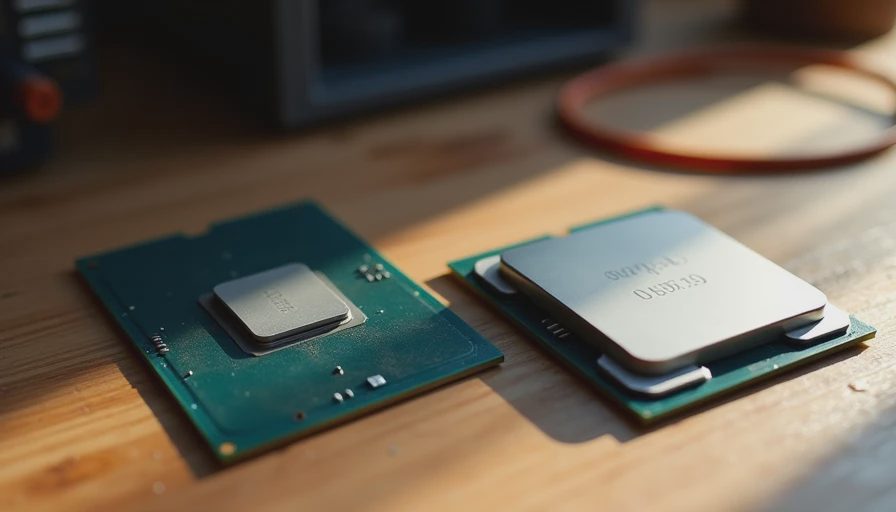
The Upgrade Pressure That Never Stops
Every product cycle the same message arrives: the new CPU is faster, more efficient, more future-proof. Buy it or fall behind. I used to hear a quieter version of that message inside Dell when a new Xeon or Core generation launched. The difference was that enterprise buyers asked a second question the marketing slides never answered: “Will the software we actually run get any faster, and will this still be supported in six years?”
Most home buyers never get to that second question. They see the percentage gains, watch a few benchmark videos, and assume the old chip is suddenly inadequate. Then they spend money that could have gone toward a better power supply, quieter cooling, or simply staying in the budget they set.
After building machines for families and watching those same machines age in real houses, I can tell you the newest CPU is almost never the part that decides whether the computer still feels good years later.
What “Fast Enough” Actually Looks Like
Leo’s school machine runs a CPU that was already two generations old when I put it together. It opens Chrome with twelve tabs, handles Google Docs, runs Minecraft, and exports the occasional school video project without drama. Three years on, it still feels responsive. The limiting factors have never been the processor. They have been the amount of RAM when too many browser tabs are open, the speed of the storage when large files are moved, and whether the machine stays cool enough to avoid throttling on a hot Austin afternoon.
That pattern repeats across the client builds I have tracked. The machines that still feel current after four or five years are the ones where the CPU was chosen for the real workload instead of the highest review score that month. A mid-range chip from the previous generation, given decent cooling and enough memory, outperforms a brand-new flagship that is thermally limited inside a poorly ventilated case.
The newest CPU wins benchmarks. The right CPU wins the long game.
The Real Bottlenecks Most People Ignore
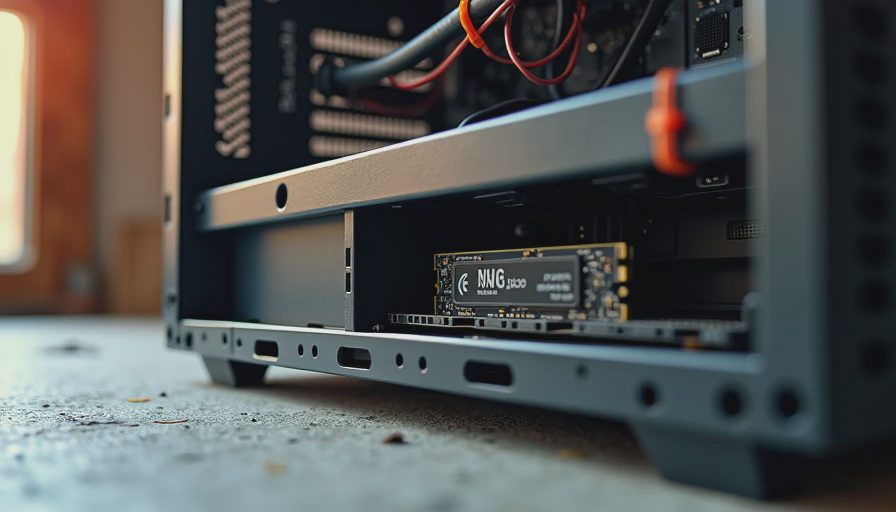
When a family computer starts feeling slow, the cause is rarely that the processor is two years old. Far more often it is one of these:
Not enough RAM for the way the machine is actually used. Modern browsers and background apps are hungry. Sixteen gigabytes is the new baseline for a shared family desktop; thirty-two is comfortable.
Storage that is either too small or still spinning. A modest NVMe drive makes a bigger daily difference than a CPU upgrade for most people.
Thermal limits that force the processor to slow itself down. A new chip in a hot case will lose to an older chip that can sustain its clocks.
Software bloat and startup programs that accumulate over time. No amount of silicon fixes a machine that launches forty background processes before the desktop appears.
I have upgraded the CPU in a client machine exactly once in the last three years. I have upgraded RAM or storage more times than I can count. The performance jump from the memory or drive change was almost always larger and more noticeable in daily use.
How Enterprise Buyers Actually Choose
In the corporate world, a new CPU generation does not automatically trigger a refresh. Procurement looks at the applications the company runs, the expected life of the machine, and the total cost of ownership. If the current generation still meets the performance target with margin, they keep buying it until the support window or the price makes the newer part the better value.
That discipline produces fleets that stay useful far longer than the average home PC. It also produces less waste and fewer “I need to upgrade because the internet said so” decisions.
You can steal the same habit without a corporate budget. Write down the three or four things the computer will actually do most days. Then ask whether the CPU you are considering is required for those tasks or simply the one that looks best in a comparison table. If a previous-generation mid-range chip handles the list with room to spare, the newest flagship is a luxury, not a necessity.
What Actually Matters for Longevity
If the goal is a machine that still feels good in year five, the ranking of importance looks roughly like this:
Enough RAM for the real workload.
Fast, reliable storage with room to grow.
Cooling and a case that keep temperatures under control.
A power supply with real headroom.
A CPU that meets the performance need without running hot or loud.
Notice the newest processor is not at the top. It is not even in the top three. That is not because CPUs are unimportant. It is because most family workloads stopped being CPU-bound years ago for anything short of heavy video editing or serious 3D work.
When I build a quiet home-office machine or a family desktop now, I deliberately leave the CPU decision until after the other foundations are set. The result is usually a more balanced system that costs less, runs cooler, and still has upgrade headroom later if it is ever actually needed.
The Permission to Stop Chasing
You do not need the latest CPU to have a good computer. You need a clear picture of what the machine will do, and the discipline to spend the budget on the parts that protect that experience over time.
The next launch will bring new numbers and new claims. Some of them will be impressive. Most of them will not change how your family uses the computer in the living room or the spare bedroom. The machines that age best are the ones whose owners understood that difference before they opened their wallets.
Build it once. Build it right. And let the newest chip wait until you actually need it.