
The Dual-Purpose Reality Most Dads Face
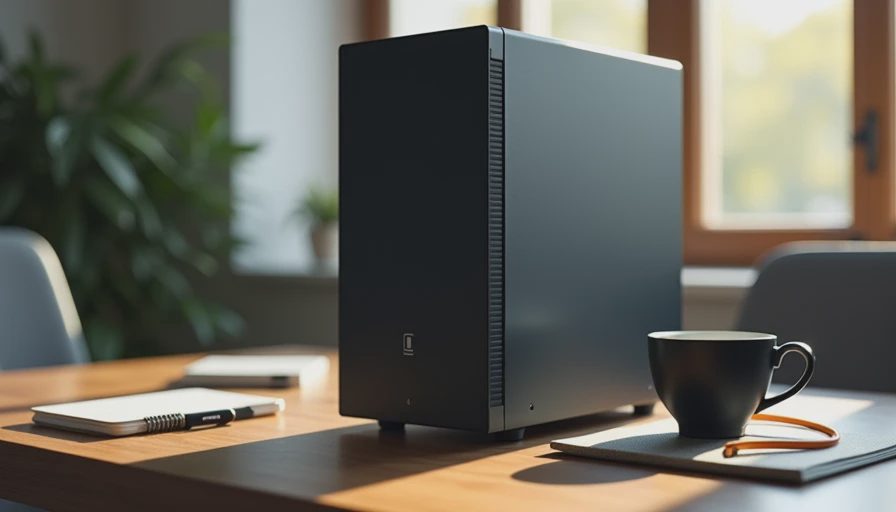
Most of the dads I build for do not have a dedicated gaming room. They have a desk in the spare bedroom or a corner of the living room that has to serve two jobs: Zoom calls and spreadsheets by day, and a couple of hours of games after the kids are in bed. The machine therefore has to be quiet enough for work and capable enough for play without requiring two separate computers or a second mortgage.
That dual requirement is why so many “gaming” builds fail in real houses. They are optimized for maximum frame rates and then left running loud fans and bright lights in a space that also needs to support concentration and video calls. The result is a machine that annoys everyone during the day and still feels like a compromise at night.
This $1,200 build is the one I recommend when someone wants one PC that can do both jobs without constant friction.
Start with the Real Daily Mix
Before any parts list, be honest about the workload:
Daytime: documents, browser research, video calls, light multitasking.
Evening: modern games at 1080p or modest 1440p with high settings, not ultra-4K ray-tracing.
Shared space: noise and heat must stay reasonable.
Expected life: four to six years with only minor upgrades later.
Once those boundaries are clear, the shopping list becomes much simpler. You stop chasing the absolute highest GPU tier and start looking for balance.
The Parts That Serve Both Jobs
Case
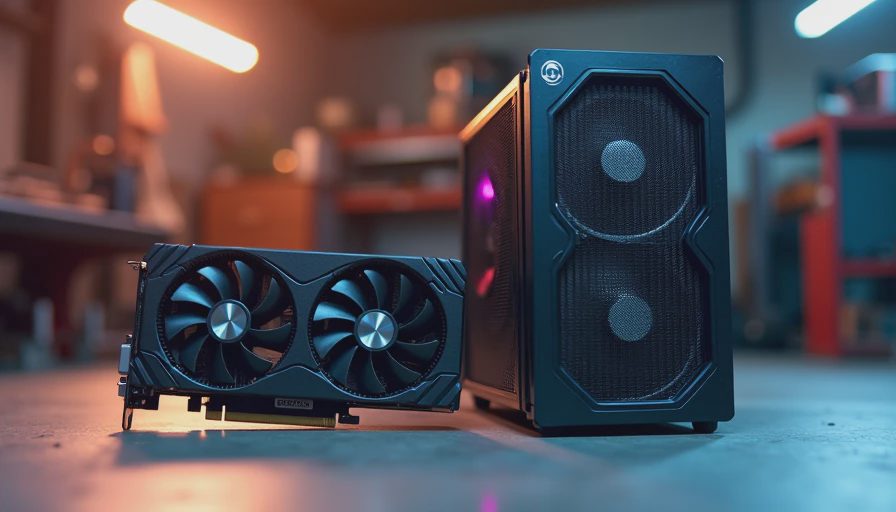
A clean mid-tower with good airflow and easy-to-clean filters. Avoid the ones that look like spaceships and rely on high-speed fans. A well-designed case lets the system stay quiet during work and still cool under game loads without sounding like a vacuum cleaner.
Power Supply
A quality 650 W or 750 W unit from a reputable brand with a quiet fan curve. This is still non-negotiable. A solid PSU protects the whole system and keeps noise down at partial loads. Skimping here is the fastest way to create both reliability and noise problems later.
CPU and Cooler
A strong mid-range processor paired with a capable tower air cooler. The cooler is chosen for silence at low loads and adequate headroom when games push the chip. Many excellent previous-generation CPUs still deliver more than enough performance for both office work and current games while running cooler and cheaper than the newest flagship.
Motherboard
A straightforward B-series or equivalent board with reliable power delivery and enough connectivity for monitors, webcam, and peripherals. RGB headers and extreme overclocking features are unnecessary weight for this use case.
Memory
32 GB dual-channel. This capacity keeps daytime multitasking smooth and gives games breathing room without stuttering. It is one of the highest-impact choices in the entire build.
Storage
A 1 TB or 2 TB NVMe SSD. Fast boot times, quiet operation, and enough space for a handful of modern games plus work files. Add a second drive later only if the library genuinely outgrows the first one.
Graphics
A current-generation mid-range GPU that handles 1080p ultra or 1440p high settings in most titles. This is the part that enables the evening fun, but it does not need to be the top of the stack. A card that runs efficiently and stays reasonably quiet under load is more valuable than one that wins synthetic benchmarks while heating the room.
Noise and Heat in a Shared Space
During the day the machine should be nearly inaudible from a few feet away. Under game loads the fans will spin up, but they should never become the dominant sound in the room. I test this the same low-tech way I do with pure office builds: stand in the doorway and listen. If the PC is still quieter than a normal conversation, it passes.
Good case airflow, a sensible fan curve, and a cooler that does not need to scream are what make this possible. Aggressive default settings are usually the enemy; a few minutes of tuning after assembly often drops the noise more than any hardware swap.
What the Daily Experience Feels Like
In the morning the computer wakes quickly, handles email and documents without hesitation, and stays quiet through back-to-back calls. In the evening it switches to games without requiring a reboot or a different user profile. Temperatures stay controlled, the room does not turn into a sauna, and the session ends without a chorus of complaints from the rest of the house.
I have put versions of this build in real family spaces. The consistent feedback is that the dual-purpose approach removes the guilt of owning a “gaming” PC and the frustration of trying to work on a machine that was only designed for play.
Budget Priorities at $1,200
At this price the biggest temptation is to stretch for a higher-tier GPU or the newest CPU. In most cases that money is better spent on:
A better power supply and cooler (quiet foundations).
32 GB of RAM instead of 16 GB.
A cleaner case with better stock airflow.
Slightly more storage.
Graphics and CPU can be chosen from the strong mid-range sweet spot. The performance difference in actual games at 1080p/1440p is often smaller than the difference in daily noise and heat.
The Long-View Filter
Before ordering, run the same questions I use for every family build:
Will this still be pleasant to sit near during a workday in three years?
Does any single part force the rest of the system to run louder or hotter than necessary?
Can I clean and maintain it without turning the desk into a project?
Is the performance aimed at the games I actually play, or at a benchmark chart?
If the answers are honest, the finished machine tends to stay in service far longer than the typical “pure gaming” rig that gets replaced the moment a new generation drops.
Final Note from the Bench
A dad gaming PC does not need to win every comparison video. It needs to work quietly when work is happening and play well when the evening is free. At $1,200 that balance is entirely achievable when you stop optimizing for the first thirty days and start optimizing for the next five years.
Build it once. Build it right. Then enjoy the games without apologizing for the noise.