
The Day the “Kids’ Computer” Became Real
When Leo turned nine I decided he was ready for a machine of his own instead of borrowing the family desktop. I had the usual dad impulses: make it fast, make it future-proof, maybe sneak in a little extra graphics power so we could play something together on weekends. Then I remembered every broken plastic laptop hinge, every juice-spill near a keyboard, and every “Dad, it suddenly got really loud” moment I had already lived through.
So I built the opposite of a mini gaming showcase. I built a machine that could survive a twelve-year-old, stay quiet enough for homework after dinner, and still be useful when he reached middle school. Three years later that same computer is still the one he uses every day. The lessons from that build have shaped almost every family PC I put together since.
What a Kid’s First PC Actually Needs to Survive
A first computer for a child has a different job description than a pure office machine or a dad’s evening gaming rig:
It must tolerate imperfect care—dust, the occasional bump, sticky fingers near the keyboard.
It has to stay quiet so homework does not turn into a noise complaint.
It needs enough performance for schoolwork, creative projects, and age-appropriate games without requiring constant upgrades.
It should be simple to maintain so the parent is not permanently on tech-support duty.
It ought to last through the next several school years without feeling obsolete.
Those requirements eliminate a surprising number of popular parts. The flashy case with sharp edges and hard-to-clean filters is out. The ultra-high-speed fans are out. The power supply chosen only because it was on sale is out. What remains is a short list of practical choices that favor durability and calm operation.
The Build That Actually Worked
Case
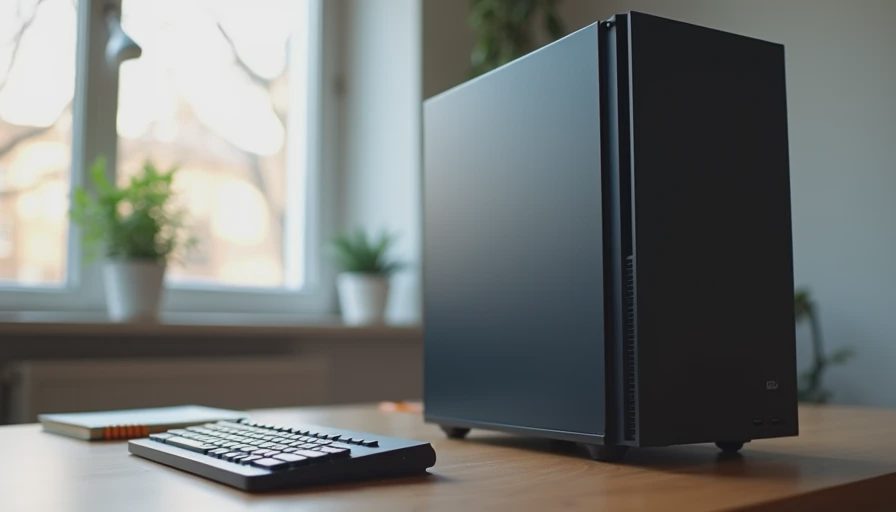
A plain mid-tower with decent airflow and a front filter that can be rinsed under a faucet. No tempered glass that shows every fingerprint, no sharp angles that catch on backpacks. The case simply needed to move air and accept a quick cleaning every couple of months.
Power Supply
A quality 550 W unit with real headroom and a quiet fan. This was the one component I refused to compromise on. Kids’ machines often stay powered on for long stretches; a solid PSU protects everything else and avoids the sudden failures that turn into emergency repair sessions.
CPU, Cooler, and Board
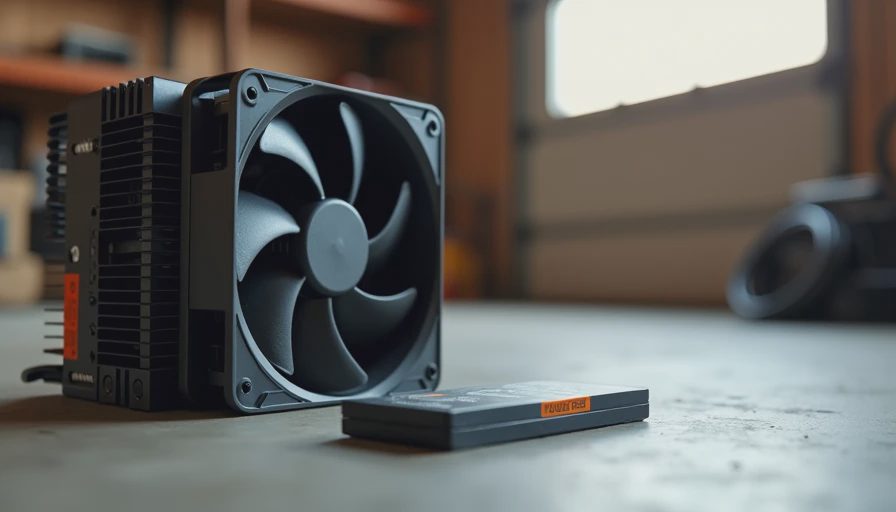
A mid-range processor from a recent or previous generation, paired with a simple tower air cooler and a straightforward motherboard. Integrated graphics handled schoolwork and lighter games fine. The cooler was chosen so the fans stayed nearly silent during homework and only spun up modestly during a game. No RGB, no elaborate heat pipes that collect dust in hard-to-reach places.
Memory and Storage
32 GB of RAM and a 1 TB NVMe SSD. The extra memory keeps browser tabs and school apps from bogging down as habits get messier over the years. The SSD is fast, quiet, and large enough that the drive does not become a constant “delete something” argument.
Those core choices left the machine balanced, cool, and easy to live with. Graphics could be added later if a specific title truly needed it; the foundation did not depend on a high-end card.
The Surprises That Showed Up After Year One
The first surprise was how little the CPU generation mattered. Leo’s machine was never the fastest in the house, yet it never felt slow for the work he actually did. School websites, documents, video calls, and the games he cared about all ran without drama. The bottlenecks that did appear were almost always memory pressure or a full downloads folder—not raw processor speed.
The second surprise was noise sensitivity. Even modest fan noise becomes irritating when a child is trying to concentrate or when the computer lives near a shared family space. Keeping the cooler and case fans on gentle curves made a bigger difference to daily happiness than any benchmark improvement.
The third surprise was maintenance reality. A design that allows quick filter cleaning and easy access means the machine actually gets cleaned. Complicated cable routing or cases that require a full teardown guarantee that dust will win.
Practical Rules I Now Use for Every Kid Build
Choose the case for cleaning access and calm airflow, not for looks.
Spend real money on the power supply and the cooler.
Prioritize 32 GB of RAM over a higher-tier CPU.
Start with integrated or modest graphics; upgrade only if a clear need appears.
Leave physical room and power headroom so a later upgrade is possible without replacing the whole system.
Set conservative fan curves from day one.
Accept that the machine will live in a less-than-perfect environment and design for that environment.
These rules produce computers that survive real childhoods instead of idealized review-bench conditions.
What “Lasting Through Middle School” Actually Looks Like
Leo’s PC is now three years old. It has had one storage expansion and several thorough dust-outs. It has never needed a thermal re-paste or a power-supply replacement. It still boots quickly, handles current schoolwork, and runs the games he plays with his friends. The case shows a few scuffs. The performance still feels appropriate. That is the outcome I aim for with every family build in this category.
The machine did not win any awards for raw speed. It won the quieter victory of remaining useful and pleasant long after the initial excitement faded.
Final Lesson from the Garage
A first PC for a kid is not a chance to flex the latest hardware. It is a chance to give them a tool that works reliably while they grow. When you design for dust, noise, imperfect care, and a five-year horizon, the finished computer becomes something the whole family can live with instead of something that needs constant parental intervention.
Build it once. Build it right. Then let the kid get back to the actual reason they wanted a computer in the first place.