
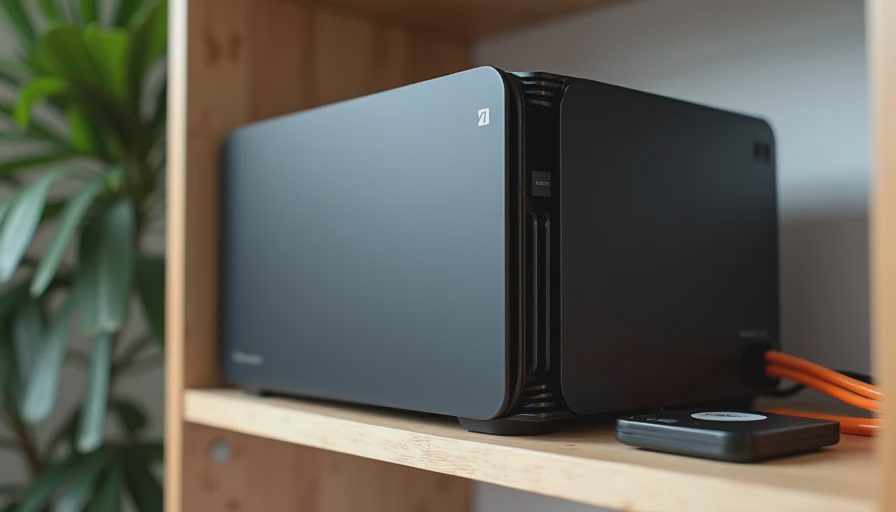
Why a Home Server Still Makes Sense
Most families now have years of photos, school projects, home videos, and personal documents scattered across old laptops, phone clouds, and random USB drives. When one of those devices fails, the panic is real. A simple home server fixes that problem without requiring a data-center budget or a degree in system administration.
I built my first proper home server after a client lost three years of family photos to a dead laptop drive. The machine I put together cost less than $600, sat quietly in a corner, and gave them automatic backups plus a basic Plex library for the kids’ movies. Years later that same approach is still the one I recommend when someone wants peace of mind without complexity.
This is not a high-availability enterprise setup. It is a reliable, low-power box that does two jobs well: protect the family’s files and serve media around the house.
What the Machine Actually Needs to Do
Keep the job description short and honest:
Run a simple media server (Plex or similar) for family videos and photos.
Provide scheduled backups for the important computers in the house.
Stay quiet and cool enough to live in a closet, utility room, or spare-bedroom corner.
Use as little power as reasonably possible.
Remain understandable and maintainable by a normal homeowner.
Anything that does not serve those goals gets left out. Fancy RAID cards, rack-mount chassis, and overclocked processors are unnecessary weight for this use case.
The Under-$600 Parts That Work
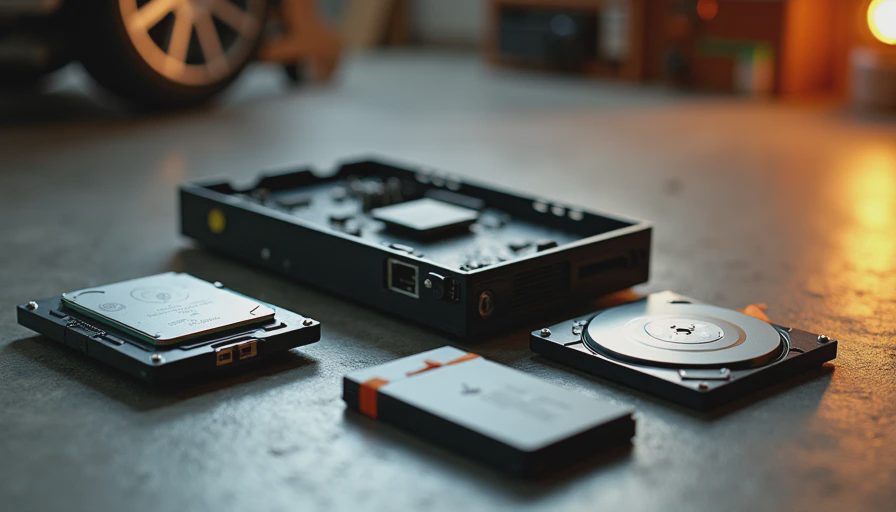
Case
A compact or small mid-tower with decent airflow and low noise. Many excellent options exist in the used or budget new market. The priority is quiet fans and easy drive access, not looks.
Power Supply
A quality 450 W or 550 W unit with good efficiency and a quiet fan curve. Home servers often run 24/7, so efficiency and reliability matter more than peak wattage. This is still not the place to buy the cheapest unit on the shelf.
CPU and Board
A power-efficient used or current low-power processor paired with a simple motherboard that has enough SATA ports. Older generation office-class chips or efficient modern equivalents are perfect here. They sip power, run cool, and still handle transcoding for a couple of Plex streams without complaint.
Memory
16 GB is the practical minimum; 32 GB is comfortable if the budget allows. ECC is nice but not required for a simple home setup. Reliability comes more from good power and cooling than from server-grade memory at this scale.
Storage
One larger hard drive (8 TB or more) for the media library and bulk backups, plus a modest SSD for the operating system and any frequently accessed files. This keeps costs down while still providing useful capacity. A second hard drive can be added later for basic mirroring if desired.
Cooling
Stock or low-profile coolers are usually enough. The goal is near-silent operation at the low loads a home server typically sees. Aggressive aftermarket coolers are rarely needed and often add unnecessary noise.
These choices keep the total comfortably under $600 when you mix careful new purchases with good used enterprise or office hardware.
Quiet and Power Reality
A well-built home server should be inaudible from a few feet away once it is past the initial boot. At idle or light backup duty the fans should barely spin. During a Plex stream or a backup job they may increase slightly, but the machine should never become a noise source in a living space.
Power draw is equally important. An efficient low-power system can run all day for pennies. That matters when the box is left on indefinitely. I always check real-world idle and load wattage after assembly; the difference between a good and a mediocre choice shows up on the electric bill over years.
Software That Stays Simple
I keep the software side deliberately boring:
A stable Linux distribution or a lightweight NAS-oriented system.
Plex (or an equivalent) for media.
Simple scheduled backup tools that push important folders from the family computers to the server.
Optional basic file sharing so everyone can reach the photos and documents.
The less custom scripting and the fewer moving parts, the more likely the system is still running cleanly two years later. Complexity is the enemy of long-term home reliability.
Real Lessons from Family Deployments
The builds that succeed long-term share a few traits:
They are easy to dust and inspect.
They have clear labeling so the owner remembers which drive does what.
They are not overloaded with services that were interesting on day one and forgotten on day thirty.
They have a simple recovery path—another drive or an external copy of the most critical data.
I have seen too many “clever” home servers become abandoned science projects. The ones that deliver actual peace of mind are the ones that stay understandable.
Budget Priorities
At this price the order of importance is clear:
Reliable power supply and decent case airflow.
Enough efficient CPU performance for light transcoding and file serving.
Adequate capacity for the family’s real data.
Quiet operation.
Everything else.
Stretching for a newer CPU or a larger single drive is fine if the fundamentals are already solid. Skipping the fundamentals to chase capacity or speed usually creates problems later.
Final Thought from the Garage
A home server does not need to impress anyone. It needs to sit quietly in the corner, protect the photos and schoolwork, and still be running when someone needs a file from three years ago. At under $600 that outcome is entirely achievable when you design for low power, low noise, and low complexity.
Build it once. Build it right. Then enjoy the rare feeling of knowing the family’s digital life has a safe place to land.