
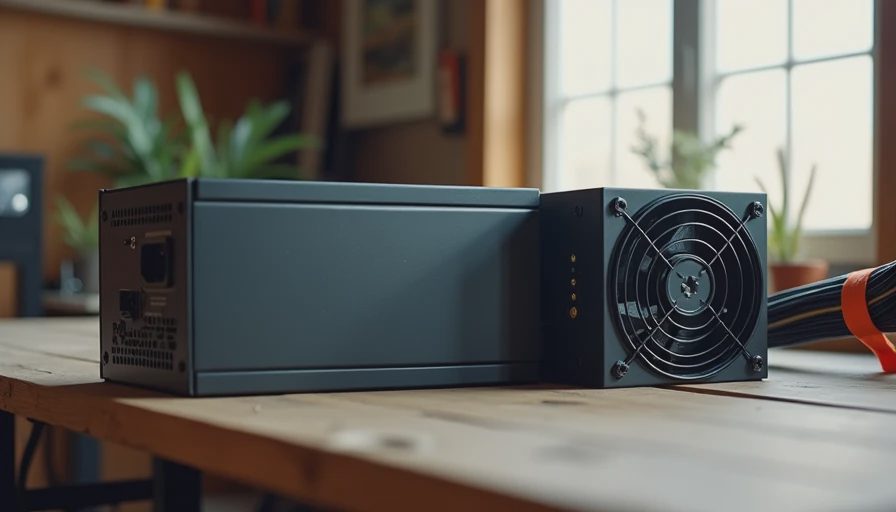
The Part Everyone Treats as an Afterthought
When most people build a PC they spend weeks debating the CPU and GPU, then grab whatever power supply is on sale or bundled in a kit. I used to see the results of that habit every week in Dell’s escalation queues. A machine would come in with a perfectly good processor and board, yet it would not stay powered on. The culprit was almost always the same: a cheap power supply that had been asked to do a job it was never designed for.
After enough of those repairs I stopped treating the PSU as a commodity. It is the foundation the rest of the system sits on. When it fails it does not fail politely. It can take other parts with it, corrupt data, or simply leave you with a dead box at the worst possible moment.
This is the one place in a family or home-office build where cheaping out reliably costs more in the long run.
What a Power Supply Actually Does
On paper the job looks simple: turn wall power into the clean, stable voltages the computer needs. In reality it has to do that job under changing loads, imperfect household power, rising internal temperatures, and years of continuous use. A good unit handles those conditions without drama. A marginal one starts to show cracks—clicking, random shutdowns, or rising ripple that slowly stresses every other component.
Enterprise hardware taught me to respect that difference. The power supplies in the OptiPlex and PowerEdge lines were rarely the cheapest available. They were chosen because they kept working when the ambient temperature climbed, when the load sat at 40 % for ten hours, and when the building’s power dipped for a moment. That same logic belongs in a home build.
The Failures I Kept Seeing
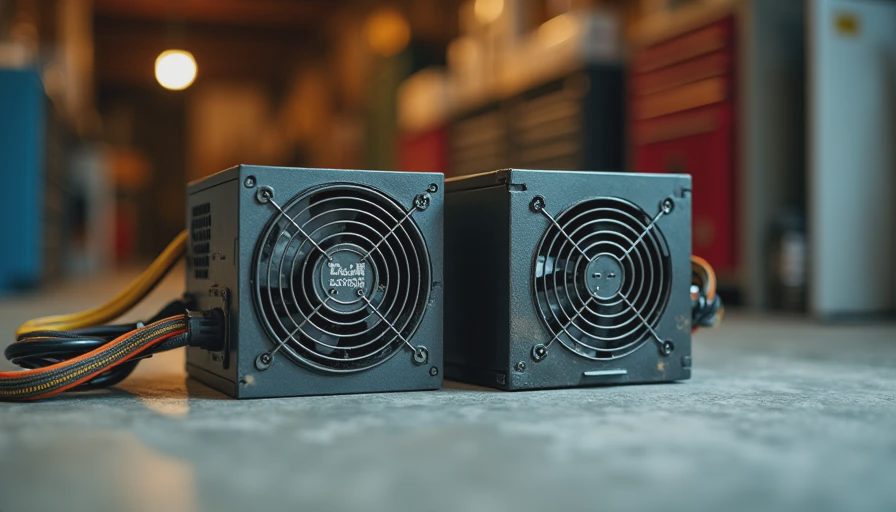
The pattern was consistent:
Units that claimed high wattage but could not deliver it continuously.
Fans that became noisy or seized after eighteen months of dust.
Capacitors that dried out in warmer cases and caused progressive instability.
Cables and connectors that ran just warm enough to loosen over time.
None of these problems appear in the bright marketing table on the retail box. They appear in real rooms after real use. The machines that suffered them almost always had one thing in common: the power supply had been chosen primarily on price or on a peak-wattage number that looked impressive.
I have replaced more “bargain” power supplies in client machines than any other single component. Each time the repair cost more—in parts, in time, and in lost trust—than simply buying a better unit at the start would have cost.
How to Choose One That Lasts
A few practical filters have proven more useful than chasing the highest wattage or the most modular cables:
Real continuous rating, not peak marketing numbers.
Look for units that can deliver their stated power indefinitely at reasonable temperatures. A quality 550 W or 650 W supply is enough for the vast majority of family and home-office builds.
Efficiency and heat.
Higher efficiency means less waste heat inside the case. That helps every other component stay cooler and quieter. 80 Plus Bronze is a sensible minimum; Gold is often worth it for a machine that will run for years.
Fan behavior.
A good unit stays quiet at the low-to-moderate loads a family PC usually sees. Some even go semi-passive. Aggressive fans that spin up early become a daily annoyance.
Brand and support history.
Stick to manufacturers with a track record of standing behind their products. A longer warranty is a useful signal, but real-world reliability reports matter more than the number of years printed on the box.
Headroom.
Running a supply at 50 % or less of its capacity under normal use is one of the simplest ways to extend its life and keep noise down. Oversizing slightly is cheap insurance.
What This Means for a Typical Build
For an $800 family desktop or a quiet home-office machine, a solid 550–650 W unit from a reputable line is usually the sweet spot. It costs more than the no-name option, yet it removes an entire category of future problems. The money not spent on the absolute cheapest PSU is almost always saved later in avoided repairs and avoided frustration.
I now treat the power supply as a non-negotiable foundation, the same way I treat adequate RAM and clean airflow. Everything else in the system depends on it doing its job without complaint for years.
The Quiet Cost of the Cheap Option
When a power supply fails early, the visible cost is the replacement unit and the afternoon spent swapping it. The hidden costs are larger: the risk of collateral damage to the motherboard or drives, the lost work or photos if a shutdown corrupts data, and the simple erosion of confidence that the machine will turn on when it is needed.
Enterprise buyers accept higher upfront component costs because they have already calculated those downstream risks. Home builders can use the same math without the corporate budget. Paying a little more for a better power supply is one of the highest-return decisions in the entire build.
Final Note from the Bench
You can save money on the case aesthetics, on RGB, on the absolute newest CPU generation, and even on the graphics card if the workload does not demand it. Saving money on the power supply is almost never a real saving. It is a deferred bill with interest.
Build it once. Build it right. And start with the part that keeps every other part alive.