
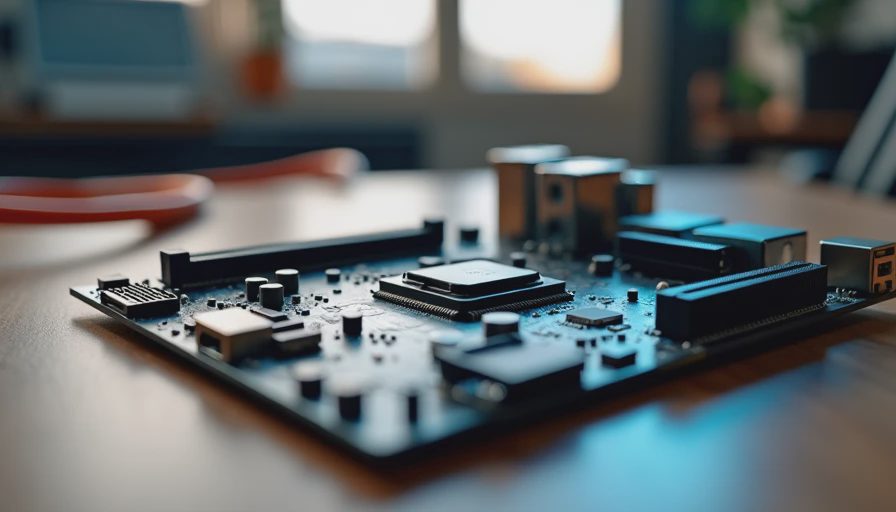
The Board That Quietly Runs Everything
When people shop for a motherboard they often treat it like a status purchase. More power phases, more RGB headers, more high-end audio codecs, more PCIe lanes than any family PC will ever use. The marketing makes it easy to believe that a mid-range board is somehow insufficient.
Eight years of enterprise hardware and several dozen garage builds later, I can tell you the opposite is true for most real-world use. A well-chosen board around the $150 mark (sometimes a bit less, sometimes a bit more depending on sales) is not a compromise. It is usually the correct tool for a family desktop, a quiet home-office machine, or a first PC for a kid.
The expensive boards exist for a reason—heavy overclocking, workstation IO loads, or extreme multi-GPU setups. Those reasons rarely apply to the machines most people actually live with.
What a Motherboard Actually Needs to Do
For a typical household build the board has a short and practical job list:
Deliver clean, stable power to a mid-range CPU under normal loads.
Provide enough USB, display, and storage connectors for daily use.
Stay compatible with common memory kits and storage drives.
Remain supported with BIOS updates long enough to match the life of the rest of the system.
Fit in a normal case and not create unnecessary heat or noise.
Everything beyond that list is optional. Extra features are only valuable if you will actually use them. Most families will not.
Where the Extra Money Usually Goes
Higher-priced boards spend their budget on things that look impressive in comparison charts:
More robust VRM designs intended for sustained high-current overclocking.
Additional PCIe slots and high-speed lanes that remain empty in a single-GPU or integrated-graphics system.
Premium audio solutions that most people replace with a headset or external DAC anyway.
Elaborate RGB lighting and software suites that add complexity more than utility.
Exotic networking or Thunderbolt controllers that only matter for specific professional workflows.
None of those features are bad. They are simply rarely needed for the workloads this site is written for. Paying for them means less budget for the parts that actually affect daily reliability—better power supply, more RAM, quieter cooling, or a cleaner case.
What I Look for in a $150-Class Board
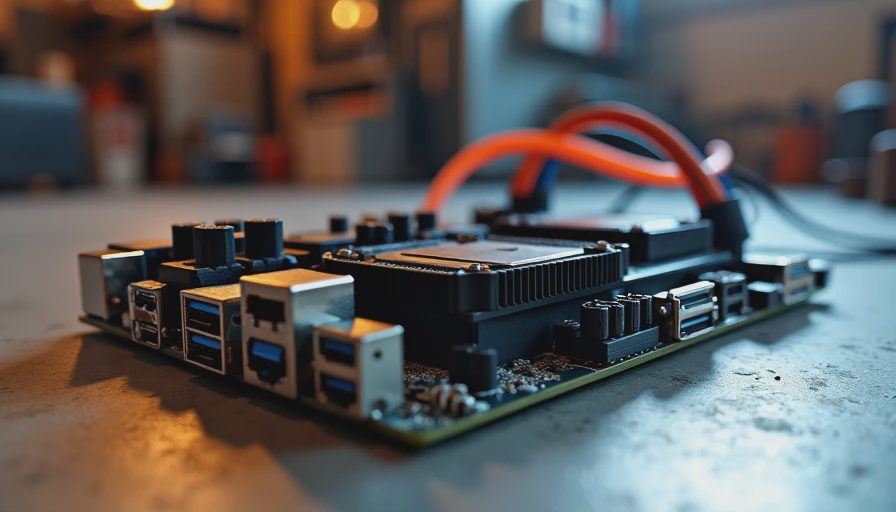
The boards that have served my clients well share a consistent set of traits:
Solid, proven power delivery for the target CPU.
It does not need to push a flagship chip to extreme clocks. It needs to run a mid-range processor cool and stable for years.
Adequate and practical IO.
Enough USB ports, a couple of reliable display outputs, and standard storage connectors. Rear-panel usefulness matters more than the number of headers inside the case.
Good VRM cooling without drama.
Simple heatsinks that do their job quietly are preferable to elaborate designs that only shine under synthetic stress tests.
Sensible BIOS and long-term support.
A board from a vendor that continues to release updates for several years is worth more than one with flashy day-one features and then silence.
Clean compatibility.
Works with common DDR4 or DDR5 kits, standard NVMe drives, and mainstream coolers without quirks.
When those boxes are checked, the board disappears into the background—the ideal behavior for a component most people never want to think about again.
Real Builds, Real Outcomes
The family desktops and home-office machines I have tracked for three or four years almost all run on mid-range boards. They have not been limited by USB ports, storage options, or power delivery. The failures I have seen were far more often tied to cheap power supplies, neglected dust, or inadequate cooling than to any shortcoming of a $150 motherboard.
Conversely, I have watched people spend twice as much on a board and then never use the extra features. The money would have been better spent on 32 GB of RAM instead of 16 GB, or on a quieter cooler, or simply left unspent.
When You Might Actually Need More
There are legitimate cases for a higher-end board:
Sustained heavy multi-core workloads that keep the CPU near its power limit for hours.
Specific professional IO requirements (multiple high-speed network interfaces, advanced RAID, etc.).
Plans to run a high-power CPU with serious overclocking.
Need for more than the usual number of expansion slots or high-bandwidth devices.
If none of those describe your use case, the extra money is almost certainly better allocated elsewhere.
Practical Shopping Advice
Start with the CPU and memory you actually need, then choose the simplest board that supports them cleanly and offers the ports you will use. Read recent owner reports for stability and BIOS behavior rather than focusing solely on the feature checklist. Prefer boards that run cool and quiet in normal cases over those that only look strong on paper.
And remember that a motherboard is a long-term companion. The best ones are the ones you forget about after installation because they simply keep working.
Final Thought from the Garage
A motherboard does not need to impress anyone on a spec sheet. It needs to deliver power cleanly, talk to the rest of the components without drama, and still be supported when the next Windows update or new drive comes along. For the large majority of family and home-office builds, a solid board in the $150 neighborhood does that job completely.
Spend the difference on the parts that protect the system or improve daily comfort. Then stop thinking about the motherboard for the next five years.
Build it once. Build it right. And let the board be the quiet foundation it is supposed to be.