
If you are shopping for the best pc build under 1000, you do not need a glowing case, an overclocked processor, or a benchmark record. You need a computer that starts every morning, handles schoolwork and office tasks without fuss, and plays modern games at sensible settings. After years troubleshooting Dell OptiPlex and PowerEdge failures, I would rather spend money on a sound power supply and a practical upgrade path than on flashy parts that look impressive on a spec sheet.
My target is a complete tower for roughly $900 to $1,000 before Windows, a monitor, and peripherals. Prices move from week to week, so treat the numbers as shopping targets rather than promises. The parts below are chosen around reliability, easy assembly, and useful performance five years from now.
The core parts I would buy
For the processor, I would start with the AMD Ryzen 5 7600. It has six cores, strong everyday performance, and a usable stock cooler, which keeps the build simple. More importantly, the AM5 platform gives you a reasonable upgrade route later instead of forcing you to replace the motherboard with every processor change. If you find the Ryzen 5 7600 around $180 to $210, it is a sensible foundation for the best pc build under 1000.
Pair it with a B650 motherboard from a mainstream line such as the MSI PRO B650-S WiFi, ASRock B650M Pro RS, or Gigabyte B650 Eagle AX. Look for two M.2 slots, four memory slots, Wi-Fi if you need it, and a BIOS flash feature if available. You do not need a premium $250 board. A dependable $140 to $180 model gives you the connections most families actually use.
Use 32GB of DDR5-6000 memory in a two-stick kit. TeamGroup, G.Skill, and Corsair all sell ordinary kits that fit this range. Sixteen gigabytes is still workable, but browsers, game launchers, video calls, and school applications can consume it faster than people expect. Two 16GB sticks also leave the system feeling comfortable instead of merely adequate.
For storage, install a 1TB PCIe 4.0 NVMe drive such as the WD Black SN770, Crucial T500, or Solidigm P44 Pro when pricing makes sense. A 1TB drive usually lands around $60 to $90 and is dramatically cleaner than starting with a small 500GB drive. Keep at least 15 percent free space so updates and temporary files do not turn the computer into a slow-motion chore.
Choose the graphics card by the games you play
The graphics card controls gaming performance, but the right choice depends on the monitor and games in the house. For a 1080p family gaming PC, the Radeon RX 7600 or RX 7600 XT is a straightforward target. An RX 7600 around $250 to $290 can handle popular competitive games smoothly and run many demanding games at high settings with sensible expectations.
If you find an Nvidia GeForce RTX 4060 near the same price, it deserves consideration for its efficient power use, strong encoder, and features such as DLSS. I am not interested in declaring one brand universally superior. Buy the card with the better current price, a two-fan cooler from a known board partner, and a return policy you can actually use.
The best pc build under 1000 should not be built around a card that consumes the whole budget. Spending $450 on graphics and then installing a cheap power supply or 16GB of memory creates an unbalanced machine. For a 1440p monitor, save for a faster GPU rather than pretending a budget 1080p card will deliver the same experience.
The parts that prevent future headaches
Power supplies are where bargain builds often go wrong. I would use a 650W unit from the Corsair CX or RM family, the be quiet! Pure Power line, or Seasonic's Focus range, depending on the sale. Look for an 80 Plus Bronze or Gold model with modern protections and a warranty from a recognized manufacturer. You do not need 1,000 watts. You do need clean, stable power and properly connected cables.
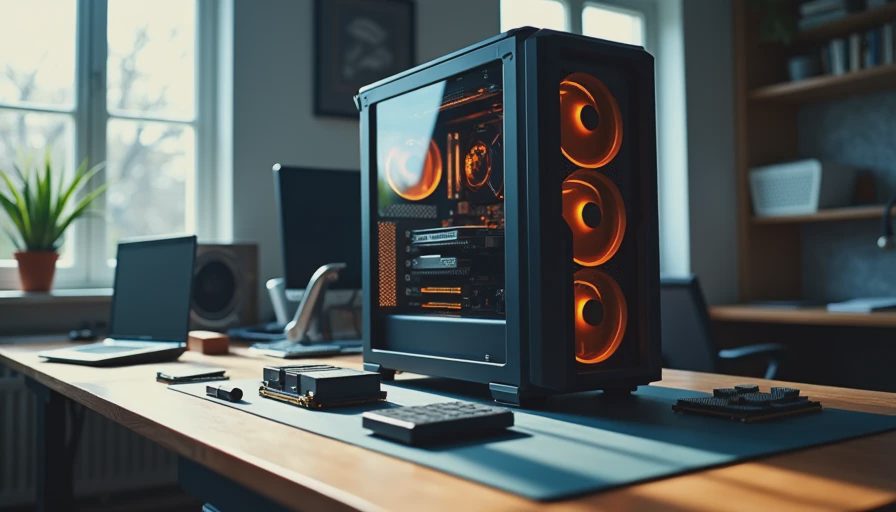
For the case, choose airflow over glass. The Fractal Design Pop Air, Corsair 3000D Airflow, and Montech Air 903 are practical examples. A case around $60 to $90 with two or three included fans is money better spent than a decorative enclosure with one blocked front intake. Keep the front clear, route cables behind the motherboard tray, and leave room around the graphics card.
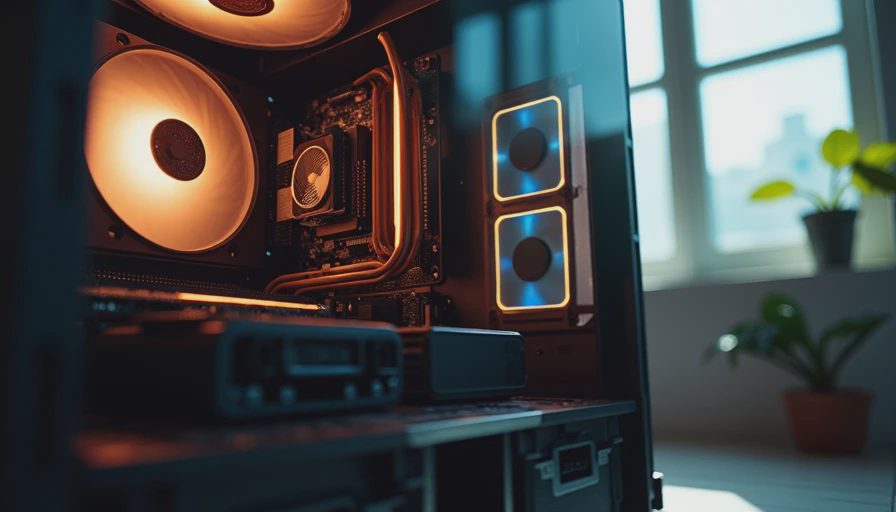
The cooler supplied with the Ryzen 5 7600 is good enough for a normal build. If noise matters, a $25 to $35 Thermalright Assassin X or DeepCool AK400-style tower cooler can make the system quieter. Do not buy a large liquid cooler for this budget. It adds pumps, hoses, and failure points without improving the family-room experience.
A realistic budget and assembly plan
A typical total looks like this: $200 for the processor, $160 for the motherboard, $90 for memory, $75 for storage, $270 for the graphics card, $75 for the power supply, and $75 for the case. That is about $945 before tax. A sale on one component can create room for a better SSD or a Windows license. Windows itself is not included in the hardware total, so account for that separately and avoid questionable activation keys.
Assemble the motherboard outside the case first. Install the processor, memory, and SSD on a clean table, then mount the board and connect the front-panel cables slowly. The tiny power-switch connector is the one that makes first-time builders question their life choices. Read the motherboard diagram, do not force a connector, and confirm the CPU power cable is plugged in before pressing the power button.
After the first boot, update the motherboard firmware if needed, enable the memory profile, install chipset and graphics drivers, and run several hours of ordinary use before declaring victory. Check temperatures, listen for unusual fan noise, and confirm every USB port you care about works.
Where to save and where not to save
For the best pc build under 1000, save on decoration, not reliability. Skip RGB controllers, premium braided cables, oversized liquid coolers, and a motherboard with features you will never connect. A plain black case can save $30, and that money is better directed toward 32GB of memory or a stronger SSD.
Do not save on the power supply, storage quality, or case airflow. I have seen inexpensive drives become painfully slow when nearly full, and I have replaced enough failed fans to stop treating cooling as an afterthought. A $15 difference between a known power supply and an anonymous unit is not a meaningful saving when the latter threatens every other component.
You can also begin without a dedicated graphics card if the computer is mainly for homework, email, QuickBooks, and streaming. The Ryzen 5 7600 has integrated graphics for basic display output. Add the gaming card later when the budget returns. That is a better staged plan than buying a weak used card today and replacing it immediately.
Final checks before you order
Before purchasing the best pc build under 1000, verify that the motherboard supports the selected processor, the memory is a matched two-stick kit, and the graphics card fits the case. Check that the power supply includes the required GPU cable rather than relying on questionable adapters. Price the complete basket at two or three retailers, because one unusually expensive part can erase the value of a sale elsewhere.
This build will not beat a $2,000 enthusiast machine, and it does not need to. It will handle family productivity, school assignments, everyday browsing, and 1080p gaming without turning every upgrade into a full rebuild. That is the standard I use on my own bench: fewer surprises, sensible serviceability, and parts that can still make sense years later. Build it once. Build it right.