
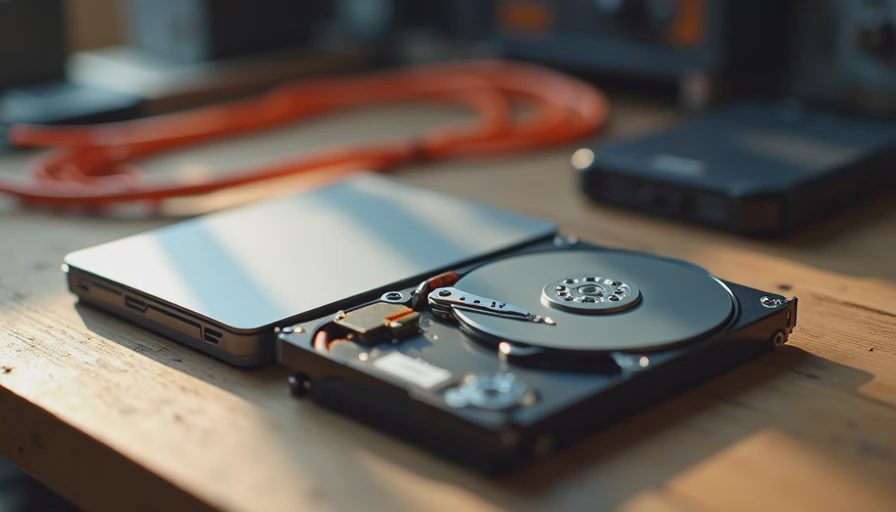
The New Default and the Old Reliable
By 2026 almost every new computer ships with an SSD as the primary drive, and for good reason. The difference in everyday responsiveness is obvious: boot times, application launches, and file copies all feel dramatically better. I have not put a hard drive in the primary slot of a family desktop for years.
That does not mean spinning drives are obsolete. It means their job has changed. When the task is bulk storage, long-term cold data, or a home-server media library, a good hard drive is still often the more practical and more economical tool. The mistake is treating the two technologies as direct competitors instead of complementary ones.
Where SSDs Clearly Win
For the operating system, programs, and the files you touch every day, solid-state is the correct answer. The advantages are consistent:
Much lower latency and higher throughput for everyday tasks.
Silent operation and lower power draw.
Better resistance to the bumps and movement that sometimes happen in a real house.
Declining prices that have made 1 TB and 2 TB capacities realistic for most builds.
In a family desktop or home-office machine the primary drive should be an SSD. That single choice improves the daily feel of the computer more than most CPU upgrades.
Where Hard Drives Still Make Sense
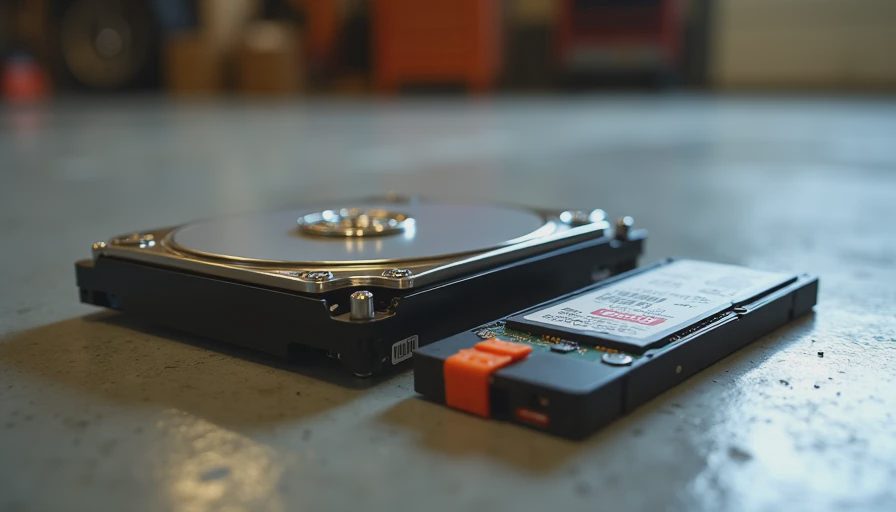
Once the data set grows past the point where SSD capacity becomes expensive, spinning drives regain the advantage. Typical cases I see in real homes:
Multi-terabyte photo and video archives that are accessed occasionally.
Plex or media libraries that need 8 TB, 12 TB, or more.
Secondary backup targets where cost per terabyte matters more than peak speed.
Cold storage of old projects, school work, or family records that must be kept but rarely opened.
In those roles a reliable hard drive delivers far more capacity for the money and, when used within its design limits, excellent longevity. Enterprise and nearline drives in particular have proven track records of running for years in 24/7 service when they are not constantly hammered with random writes.
Reliability Reality in 2026
Both technologies can fail. The failure modes are simply different.
SSDs wear from write volume and can fail suddenly, although modern drives with good controllers and adequate over-provisioning are very robust for consumer workloads. Hard drives are more sensitive to physical shock and can develop bad sectors over long periods, yet a cool, well-supported drive that is not used as a primary system volume often lasts surprisingly long.
The practical approach is the same one enterprise storage has used for decades: match the technology to the workload and keep at least one additional copy of anything that truly matters. An SSD for the operating system and active files plus a hard drive for bulk media, with important data also backed up elsewhere, is still one of the most cost-effective and reliable combinations for a household.
Practical Recommendations for Family Builds
Primary drive (OS and programs)
1 TB or 2 TB NVMe SSD. This is non-negotiable for a responsive machine.
Bulk / media / backup storage
One or more hard drives sized to the actual library. Look for drives with good sustained performance, decent warranty, and a reputation for quiet, cool operation. NAS-oriented or surveillance-oriented models often fit home-server duty well because they are designed for longer duty cycles.
Hybrid approach
Many of the home servers and family desktops I build use exactly this split: fast SSD for the system and working files, spacious hard drive for the media and archives. The combination keeps daily use snappy while making large libraries affordable.
Cost and Longevity Math
At current prices the cost-per-terabyte gap between SSDs and hard drives remains significant once you move past a couple of terabytes. Filling an 8 TB or 12 TB need entirely with SSDs is still expensive for most families. Using hard drives for that tier of storage frees budget for better cooling, a quality power supply, or simply leaving money in the bank.
Longevity follows the workload. An SSD used as a primary drive in a family PC will usually outlast the useful life of the machine if it is not filled to absolute capacity and subjected to constant heavy writes. A hard drive used for sequential media storage and occasional backups can do the same. Problems arise when either technology is asked to do a job it was not designed for—SSDs forced into cheap bulk archival roles without endurance planning, or hard drives used as the only system drive in a performance-sensitive machine.
What I Actually Put in Builds Today
For a typical family desktop:
1–2 TB NVMe SSD as the primary.
Optional hard drive only if the household already has a large media or photo collection that needs local storage.
For a home server or backup box:
Modest SSD for the operating system and any frequently accessed data.
One or more larger hard drives for the media library and backup target.
Clear labeling and a simple backup routine so the owner understands what lives where.
This division has proven durable across dozens of real deployments. It avoids both the high cost of all-flash bulk storage and the sluggish feel of a pure hard-drive system.
Final Garage Perspective
SSDs won the daily-driver contest years ago, and that victory is permanent for the primary drive. Hard drives simply moved to the jobs they still do better: inexpensive, high-capacity, sequential storage. Treating them as outdated ignores the real economics and the real workloads most families have.
Use each technology for what it is good at. Keep important data copied in more than one place. And remember that the goal is not the purest technology—it is a system that still has the family’s photos and projects safe and accessible years from now.
Build it once. Build it right. And give each type of drive the job it can actually sustain.